Saner.ai vs Sunsama for ADHD: You Want to Build or Edit the Plan?

Sunsama asks you a question every morning: "What are you doing today?" Saner.ai answers it before you've finished your coffee, then asks if the answer looks right.
That's the whole comparison.

Both apps want to give an ADHD brain a calm, realistic day. One gets there by making you plan on purpose. The other gets there by drafting the plan for you. Which one works depends less on features and more on what your mornings actually look like.
Quick answer: Saner.ai or Sunsama for ADHD?
- Pick Sunsama if your main problem is overcommitting, you work a desk job with tasks spread across Jira, Asana, Gmail and Slack, and you can show up for a 10-minute planning ritual most mornings.
- Pick Saner.ai if the planning step itself is what you skip, your tasks live inside emails, notes and meeting docs rather than ticket systems, and you want something to check in on you instead of waiting to be opened.
- Budget: Sunsama costs $17/month billed yearly or $22 monthly, with no free plan. Saner.ai has a free plan, with paid plans at $8 and $16 a month.
TLDR: Sunsama is a better coach. Saner.ai is a better assistant.
What's the actual difference between Saner.ai and Sunsama?
Sunsama: you build the plan, it keeps you real
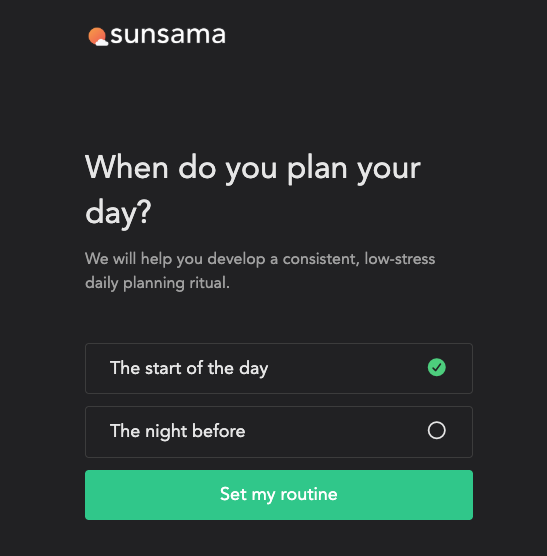
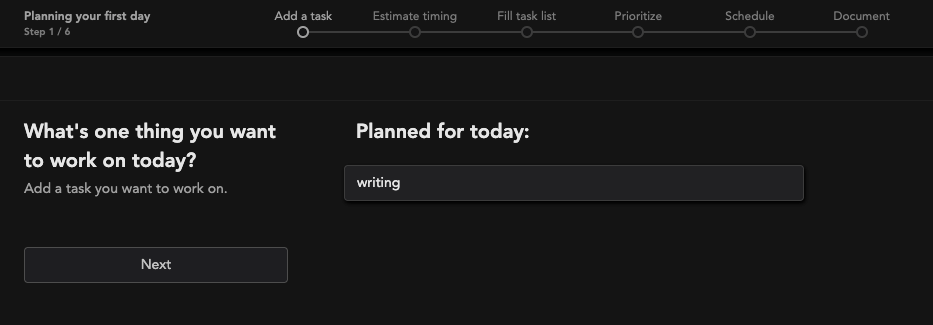
Sunsama's guided daily planning walks you through five steps: review yesterday, add tasks, check your predicted workload, finalize and timebox, then optionally share the plan to Slack or Teams. It adds up the planned time on your tasks and compares it against a threshold you set. Go over, and you get a warning. Sunsama's own docs suggest new users aim for about 5.5 hours of planned work in a 9 to 5 day.
When work ends, a shutdown ritual closes the day. I covered both in detail in my Sunsama review for ADHD.
Saner.ai: it drafts the plan, you edit
Saner.ai describes itself as an AI personal assistant for notes, email and calendar. It connects to Gmail, Google Calendar, Slack and Google Drive, reads what's there, and proactively plans your day and checks in. Tasks get pulled out of emails and notes, so the thing your manager buried in paragraph four of a Tuesday email ends up on a list instead of in the void. You can also just talk to its assistant, Skai, to search your notes or schedule something.
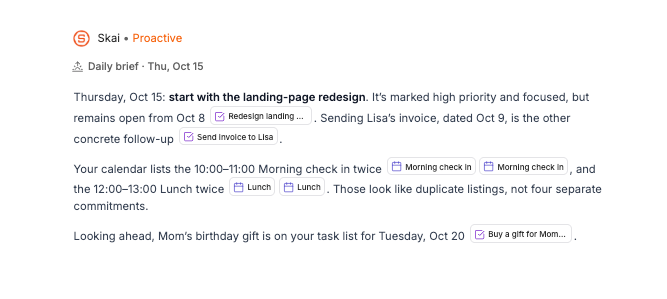
The workflow is the opposite of Sunsama's. You don't start from a blank day. You start from a draft and argue with it.
Why does the planning step matter so much for ADHD?
Here's a finding that changed how I think about ADHD tools. A 2013 study in PLOS ONE compared 45 adults with ADHD (not on stimulant medication) with 45 matched controls on a complex "remember to do things later" task. The researchers split it into four parts: making the plan, remembering the plan, starting on your own, and carrying it out.
The biggest gap by far was in making the plan. The differences in remembering, self-starting and carrying out the plan were negligible to small.
That runs against the popular picture of ADHD as "can't remember anything." In this study, the bottleneck was building a good plan in the first place. It was a lab task, with a modest sample, so I wouldn't stretch it too far. But it does explain why a tool that asks you to plan every morning can feel like it's asking you to do the exact thing you're worst at.
And it gives you a clean way to choose:
- If you can plan when someone sits you down and structures it, Sunsama provides that structure, every morning, beautifully.
- If planning is the part that collapses even with structure, outsourcing the first draft is a reasonable bet.
Neither app treats ADHD. They're scaffolding. Pick the scaffolding that covers your weakest spot.
What does the same morning look like in each app?
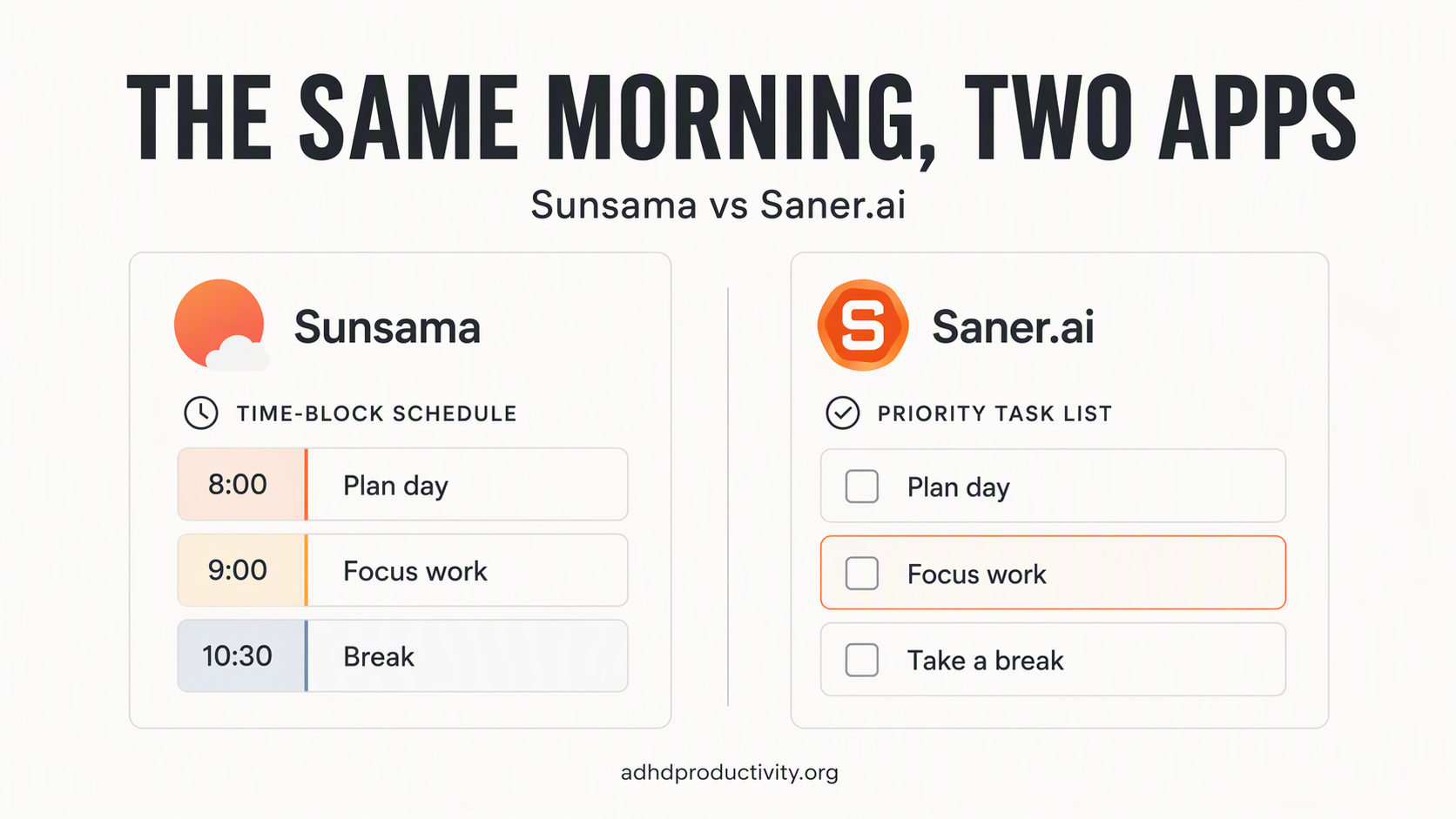
Picture a normal day. Three meetings. A report due Thursday. An email from your landlord you haven't opened. You slept badly.
In Sunsama: you open the app at 8:45 because the ritual reminder pinged. You review yesterday. Two tasks roll over, again. You drag in the report, the meetings, and a "reply to landlord" task you typed yourself. The workload bar turns red: 7.5 hours planned, 5.5 allowed. You defer two things to Friday. You feel slightly smug. Good morning.
Same Tuesday, worse version: you don't open it. The reminder pinged while you were in the shower. By 11 you're answering Slack messages in random order and the landlord email is still unopened.
In Saner.ai: a check-in shows up with a draft day. The meetings are on it. The report is on it, linked to the email it came from. The landlord email has turned into a task with the original message attached. You skim, delete one item, move another, and say yes. Maybe two minutes.

Same Tuesday, worse version: you skim the draft and ignore it. Still, the plan exists, and the next check-in brings the landlord task back.
Neither version is magic. Sunsama's good morning is better structured. Saner.ai's bad morning is less bad. Which of those two matters more to you is the whole decision.
Saner.ai vs Sunsama: side-by-side comparison
| Sunsama | Saner.ai | |
|---|---|---|
| Core idea | Guided daily planning ritual | AI assistant that drafts your plan |
| Who plans | You, with AI help | AI drafts, you edit |
| Best ADHD feature | Workload warning before you overcommit | Proactive check-ins and tasks pulled from email and notes |
| AI assistant | Sunny (tasks, planning, braindump) | Skai (search, planning, scheduling) |
| Notes / knowledge base | Not the focus | Core feature (notes, PDFs, search across them) |
| Integrations | 20+ (Jira, Asana, Linear, Notion, Todoist, Trello, Gmail, Outlook, Slack and more) | Gmail, Google Calendar, Slack, Google Drive, plus Outlook |
| End-of-day ritual | Yes, built-in shutdown | No dedicated ritual |
| Free plan | No (14-day trial, no card) | Yes |
| Price | $17/mo yearly, $22/mo monthly | Free; $8/mo Starter; $16/mo Standard |
| Platforms | macOS, Windows, Linux, web, iOS, Android | Web, mobile, Chrome extension |
| Maturity | Established, SOC2 | Newer, still shipping fast |
Where Sunsama wins for ADHD
It's the best overcommitment detector I've used
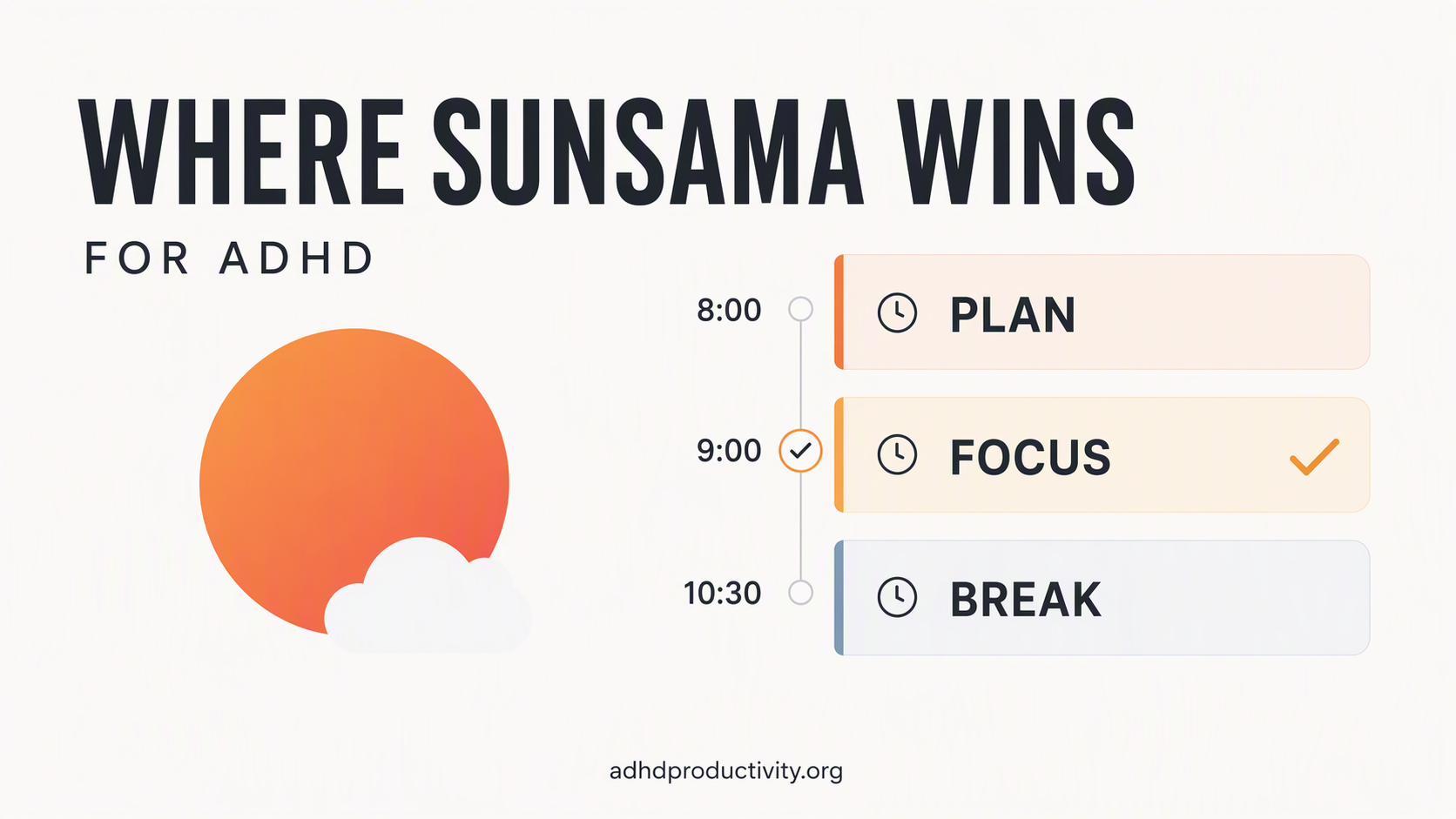
If your ADHD shows up as "14 things on today's list and a quiet sense of doom by 3 p.m.," Sunsama's workload warning is the feature you want. It turns a vague feeling into a number. Your gut says the report takes 20 minutes. The bar says you've planned 9 hours for an 8-hour day. If time blindness is your main enemy, that external check is worth paying for.
The shutdown ritual gives your day an edge
A lot of ADHD adults don't finish work. They run out of battery. Sunsama makes you close the day on purpose: review, roll over, stop. Saner.ai doesn't have an equivalent built-in ritual, so if that hard stop matters to you, Sunsama has the edge.
It plugs into work tools Saner.ai doesn't
If your tasks live in Jira, Linear, Asana, ClickUp or Notion, Sunsama pulls them into one daily view. Saner.ai's integration list is shorter and centered on email, calendar, Slack and Drive. For an engineer whose day is mostly tickets, that alone could decide it.
Where Saner.ai wins for ADHD
It works on the mornings you don't show up
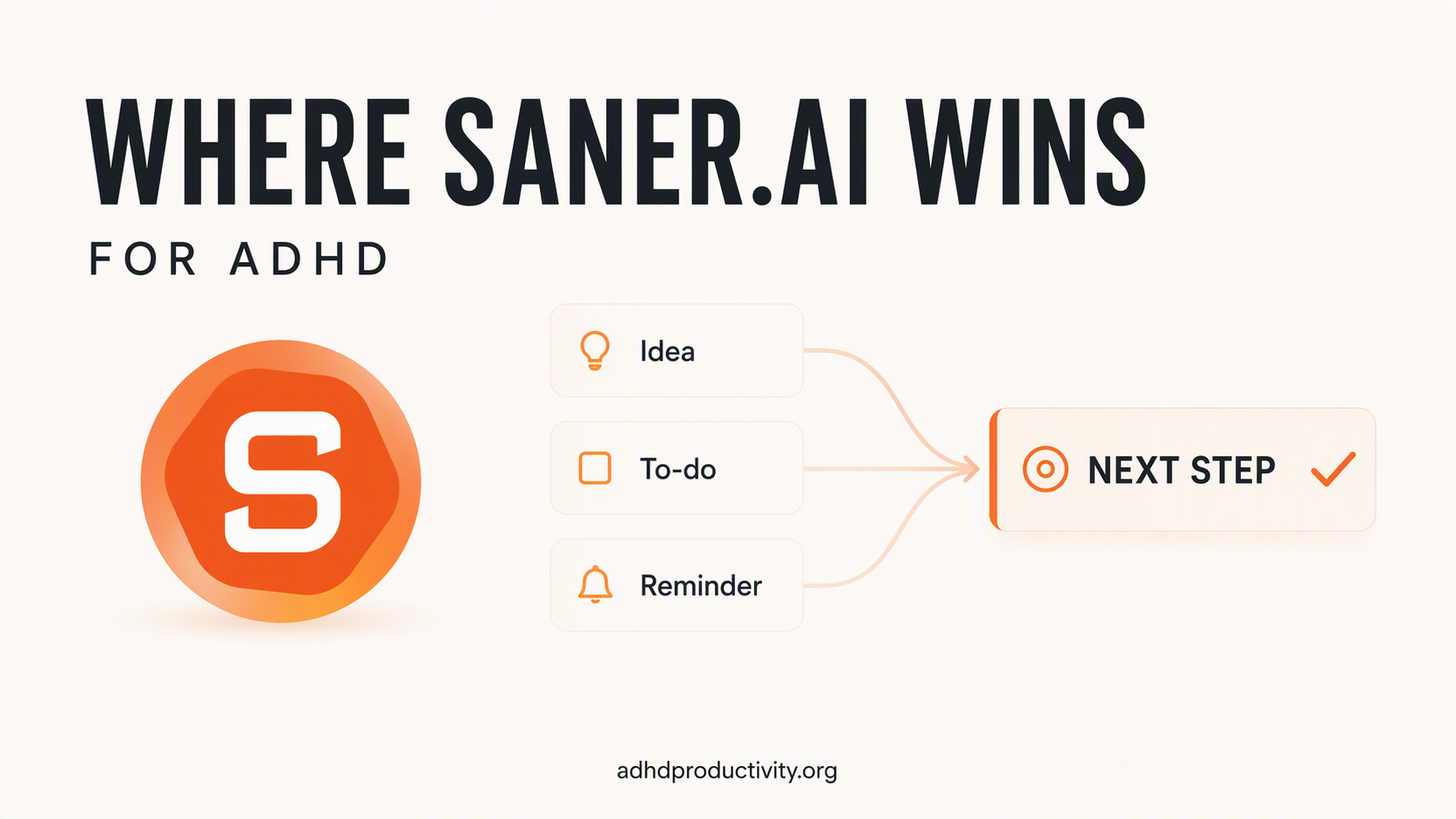
This is the big one. Sunsama's value depends on you opening it and planning. On a paralysis day, when you're lying in bed knowing exactly what to do and not doing it, a planning screen is a polite request you'll ignore. An assistant that has already drafted the plan and checks in lowers the bar to "look at this and say yes."
Your tasks come out of the places they hide
ADHD tasks rarely arrive as tidy to-dos. They arrive as a sentence in an email, a line in meeting notes, a thought you had in the shower. Saner.ai pulls tasks out of emails and notes with the context attached. Sunsama can import emails too, but you have to decide which ones become tasks.
>> If your inbox is where commitments go to die, see how this plays out in using AI for email with ADHD.
It doubles as the place for your brain dump
Saner.ai is a note-taking app as well as a planner. You can dump half-formed thoughts, PDFs and meeting notes in one place and search them later by meaning, even if you don't remember the exact words. For an ADHD brain that writes things down and then can't find them, that matters.
>> If you've read my brain dump guide, this is where those dumps can live and actually turn into tasks.
It's cheaper, and there's a free plan
Sunsama has no free plan by design. Its pricing manifesto argues free plans create bad incentives, which is a defensible position. But $204 a year is real money, and paying for an app you stop opening is a classic ADHD tax. Saner.ai lets you test the whole idea for free first.
Where Saner.ai falls short
- Fewer integrations. No Jira, Asana or Linear. If your work lives in a project tool, Saner.ai won't see it.
- It's newer. The product changes fast. That's good for features and occasionally annoying for muscle memory.
- External AI costs extra. You can use outside models like GPT or Claude inside Saner.ai, but those are paid separately, per its pricing FAQ.
Where Sunsama falls short for ADHD
- The ritual is the product. Skip the morning planning and Sunsama becomes an expensive calendar.
- No free plan. Only a 14-day trial. Set a reminder for day 12.
- It's built for knowledge work. If your life is laundry, school runs and appointments, you'll pay for integrations you never use.
- Notes aren't its job. You'll still need a separate place for ideas and reference material.
Can you use Saner.ai and Sunsama together?
You can, but I wouldn't start there. Two planning apps means two places to check, and ADHD brains don't need more places to check. If you're torn, run them one at a time:
- Week 1: Sunsama trial. Plan every morning. Count the mornings you actually planned.
- Week 2: Saner.ai free plan. Connect email and calendar. Count the mornings you looked at the plan it drafted.
- Pick the one with the higher count. Not the one with better features. The one you used.
That count is the most honest data you'll get. Features don't matter on the days you don't open the app.
How to choose: a 60-second decision guide
Answer these:
- Do you plan your day if something prompts you? Yes → Sunsama. No, I avoid it even when prompted → Saner.ai.
- Where do your tasks come from? Ticket systems and project tools → Sunsama. Emails, notes, meetings, your own head → Saner.ai.
- Is overcommitting your main problem? Yes → Sunsama's workload warning is built for you.
- Is forgetting what you committed to your main problem? Yes → Saner.ai's extraction from email and notes is built for you.
- Is $17 to $22 a month a stretch? Yes → start with Saner.ai's free plan or another option from my list of free ADHD apps.
Still undecided? See how Saner.ai stacks up against the planners it gets compared to most: Saner.ai vs Motion, Saner.ai vs Todoist and Saner.ai vs TickTick. If Sunsama is close but not quite right, the best Sunsama alternatives for ADHD post covers more options.
FAQ
Is Sunsama or Saner.ai better for ADHD?
It depends on where your ADHD hits. Sunsama is better if you overcommit and can stick to a daily planning ritual. Saner.ai is better if you skip planning altogether, or if your tasks are scattered across emails and notes.
Does Sunsama have a free plan?
No. Sunsama offers a 14-day free trial with no credit card. After that it costs $17/month billed yearly or $22/month billed monthly. Saner.ai has a permanent free plan with limited AI messages and notes.
Which is cheaper, Saner.ai or Sunsama?
Saner.ai. It has a free plan, and paid plans start at $8/month. Sunsama starts at $17/month on annual billing and has no free plan.
Is it worth switching from Sunsama to Saner.ai?
Only if the morning ritual has stopped happening. If you plan in Sunsama most mornings and it works, don't switch. Working systems are rare with ADHD. Keep the one you have.
The bottom line
Sunsama is for people who can plan with the right structure and need help not overdoing it. Saner.ai is for people whose plans never get made in the first place.
What to do this week:
- Be honest about last month. How many mornings did you actually plan your day? If it's most of them, try Sunsama.
- If it's fewer than half, start with Saner.ai's free plan and connect only email and calendar.
- Whichever you try, count the days you used it, not the features you liked.
- Decide on day 12, before Sunsama's trial runs out.
The best ADHD planner is the one you still open on a Thursday in week three. Everything else is a nice screenshot.