Saner.ai vs Notion for ADHD: Build Your Own System or Let One Run You?

Notion is the app you open with big plans on a Sunday night. Four hours later you have a gorgeous dashboard with a habit tracker, a reading list, a mood log and a "Life OS" header in a font you spent twenty minutes picking. By Wednesday you've stopped opening it.
You're running into a mismatch between what Notion asks of you and what an ADHD brain reliably gives. Saner.ai makes a different bet.
This post lays out both, side by side, so you can pick the one that fits the way you actually behave on a bad day
The quick answer: is Saner.ai or Notion better for ADHD?
Pick Notion if you enjoy building systems, your Notion setup has survived more than three months, you need shared docs and wikis with a team, or you want full control over how every page looks.
Pick Saner.ai if your Notion graveyard has more abandoned templates than active pages, you mostly need to capture thoughts fast and get reminded about them later, and your tasks live in your email and calendar more than in a database you built.
>> Notion is a box of Lego. Saner.ai is an assistant who tidies your desk while you're not looking. Some ADHD brains love Lego. Most of us just want the desk tidy.
Saner.ai vs Notion at a glance
| Saner.ai | Notion | |
|---|---|---|
| Core idea | AI assistant for notes, tasks, email and calendar | Flexible workspace you build yourself |
| Setup time | Minutes. Connect accounts and start typing | Hours to weeks, depending on how deep you go |
| Capture | Type or talk; no fields or databases to pick | Pick a page or database, then fill properties |
| Organizing | AI suggests folders and tags | You design the structure |
| Day planning | AI builds a daily plan from your tasks, email and calendar | You build views; Notion Agent can help on paid plans |
| Connects to Gmail (Outlook connector listed in release notes) | Standalone Notion Mail shut down Sept 22, 2026 | |
| Calendar | Pulls from Google Calendar | Notion Calendar connects multiple calendars on Free |
| Team use | Built for one person | Excellent for teams and shared wikis |
| Layout control | Limited | Near total |
| Free plan | Yes: 30 AI requests/month, 100 notes | Yes: unlimited blocks for one user, AI is a limited trial |
| Paid price | $8/month (Starter), $16/month (Standard) | $10/seat/month (Plus), $20/seat/month (Business) |
| Biggest ADHD strength | Removes filing decisions | Endless flexibility for people who enjoy structure |
| Biggest ADHD risk | Less control; newer product | Setup becomes the hobby; system goes stale |
Why does Notion fall apart for so many people with ADHD?
Notion asks you to make lots of small decisions, every single time, and those decisions run on the exact mental resources ADHD makes scarce.
>> I went deeper on this in our Notion alternatives for ADHD roundup, so here's the condensed version.
Every capture costs working memory

To save one thought in a typical Notion setup, you have to:
- Remember which database it belongs in
- Navigate there
- Pick the right view
- Fill in a status, a date, maybe a tag or two
- Check you didn't already create the same page last week
So by step three, the thought is gone. You're now staring at a database wondering why you opened it.
The setup is the reward. Maintenance isn't.
Building a Notion dashboard pays you right now. It's novel, it's creative, it looks great. Keeping it updated pays you later, maybe.
Blank pages invite tinkering
Notion pages link to other pages, which link to templates, which link to a YouTube video about a better template.
If you've ever lost an afternoon to ADHD hyperfocus on page icons, you know the trap. The tool is so flexible that "working on my system" feels like work. It isn't.
How does Saner.ai work for ADHD?
Saner.ai is an AI assistant that sits across your notes, tasks, email and calendar. Its pitch is that you dump things in, and it does the filing and reminding.
According to saner.ai, the core pieces are:
- Capture without decisions. Type a note, talk into it, or clip from the browser with the Chrome extension. No database to pick.
- AI organizing. It suggests tags and folders based on the note's content and your past tags, and surfaces related notes you saved before.
- Connected sources. It pulls from Gmail, Google Calendar, Google Drive and Slack, and can turn emails into tasks.
- A planned day. It builds a daily plan from your tasks, email and calendar and checks in during the day.
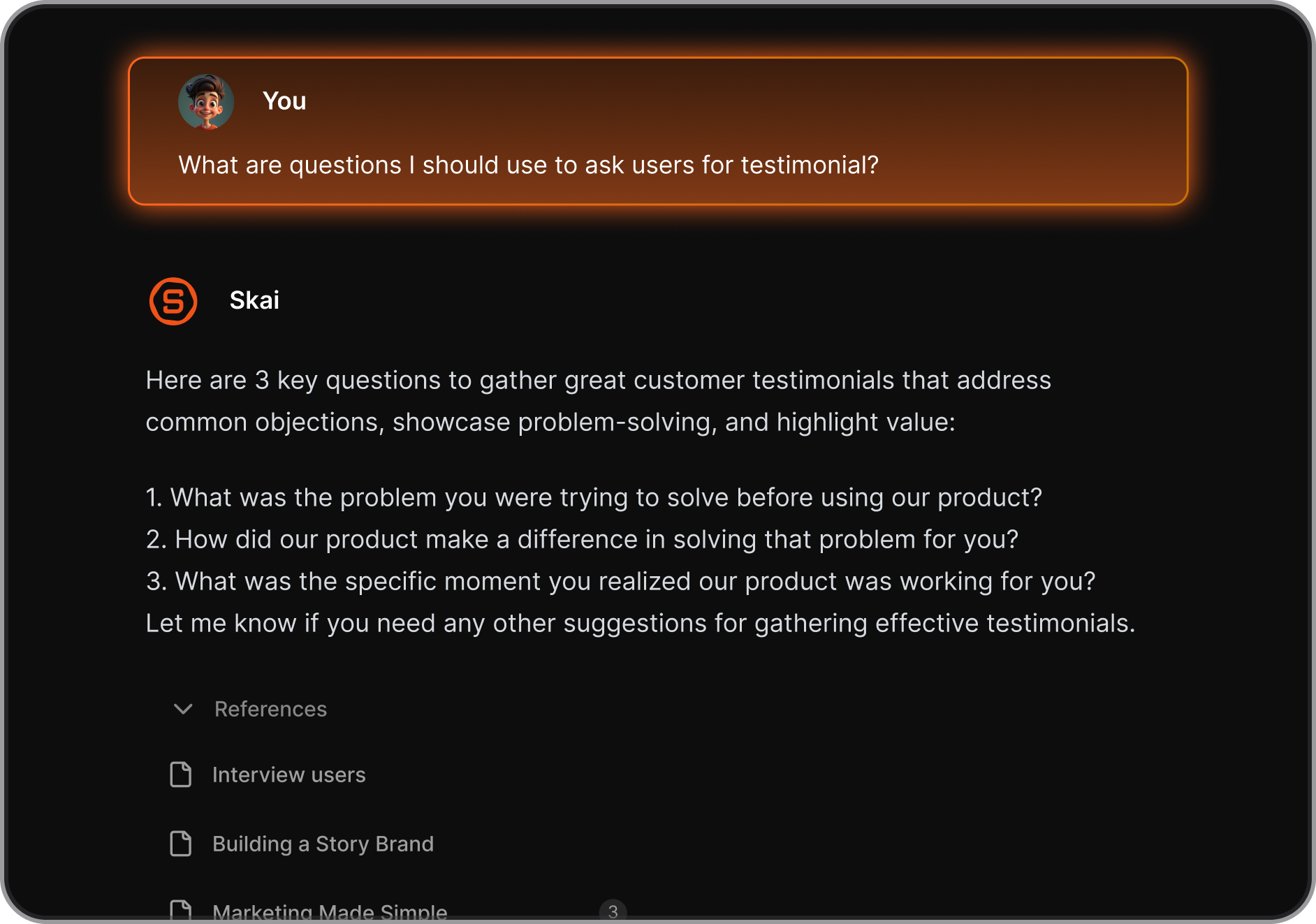
- Chat as the interface. Ask "what did I promise Sarah about the invoice?" and it searches notes and email together.
- Mobile app included on every plan, including Free.
Where Saner.ai shines for ADHD
- It deletes the filing step. This is the whole game. The thought goes in before it evaporates. If your brain dumps usually die in a notes app you never reopen, this is the fix that matters most.
- Things come back to you. You don't need to remember to check a database. It brings up what matters, which helps a lot if you deal with ADHD time blindness and "later" quietly becomes "never."
- Email stops being a separate black hole. Since tasks hiding in email get pulled into the same place as your notes, you're not running two systems. Our post on using AI for email with ADHD covers why that inbox-to-task gap is so costly.
- Very little to tinker with. That sounds like a downside. For a lot of us it's the main benefit.
Where Saner.ai falls short
- It's built for one person. No shared team wikis, no client portals, no company handbook.
- It's a younger product. The site still describes it as in beta. Expect some rough edges and features that are still rolling out.
How does Notion work for ADHD?
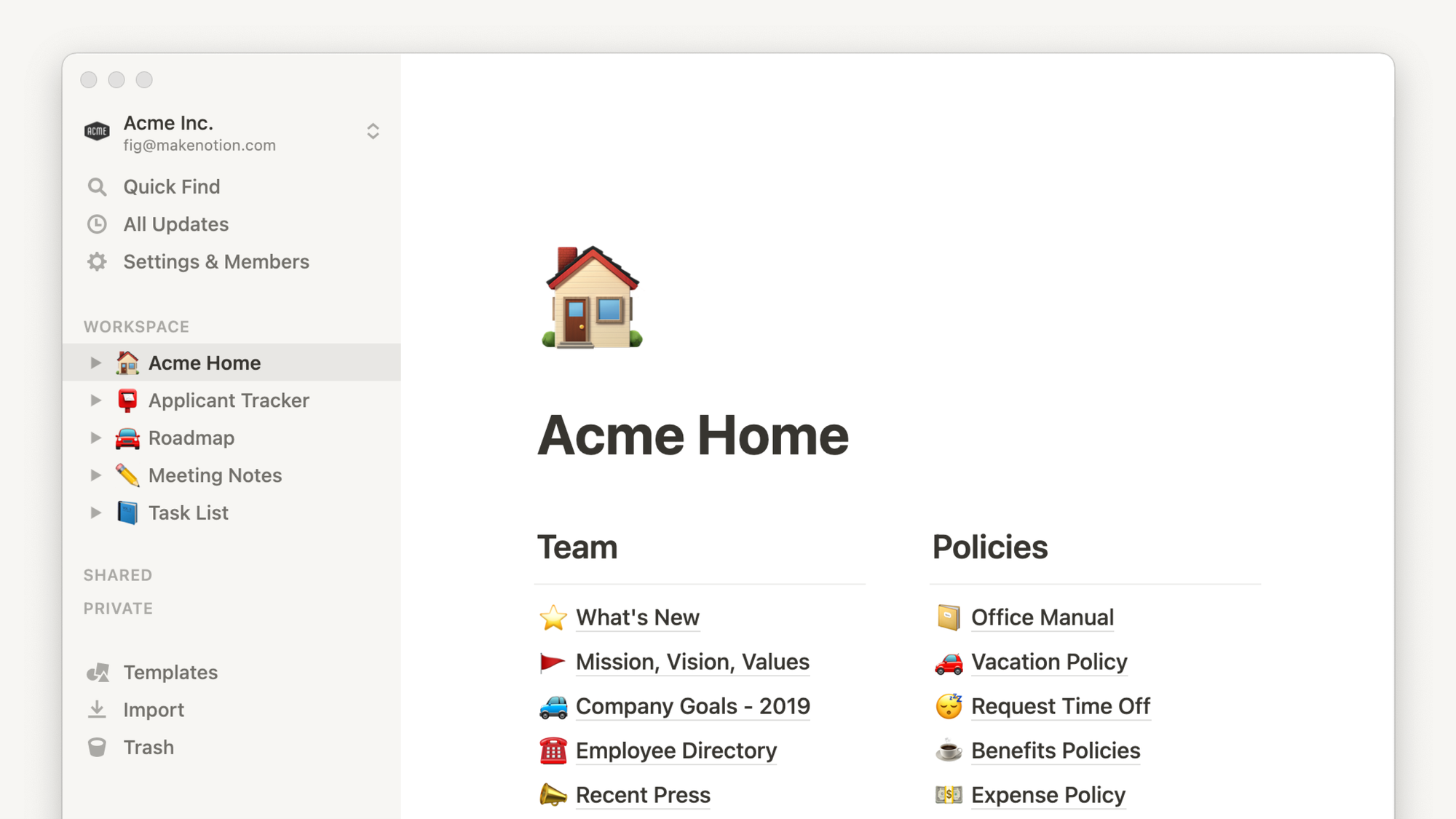
Notion is a workspace of pages and databases you shape however you want. Docs, wikis, task lists, CRMs, recipe books, all in one place. The AI layer has grown a lot.
What's relevant right now:
- Notion AI and Notion Agent are a limited trial on Free and Plus. Full access starts on the Business plan at $20 per seat per month.
- Notion Agent can schedule meetings. An April 15, 2026 release added calendar access so the agent can find times and book meetings from chat.
- Notion Calendar is available, and the Free plan lets you connect multiple calendars.
- Offline. Free users pick pages to download; paid plans download Recents and Favorites automatically.
Where Notion wins for ADHD
- Total flexibility. If your brain needs things laid out a very particular way to make sense, Notion lets you build exactly that. Saner.ai can't compete here.
- Visual thinkers get a real canvas. Boards, galleries, timelines, color, icons. Some people with ADHD genuinely need that visual layer to engage.
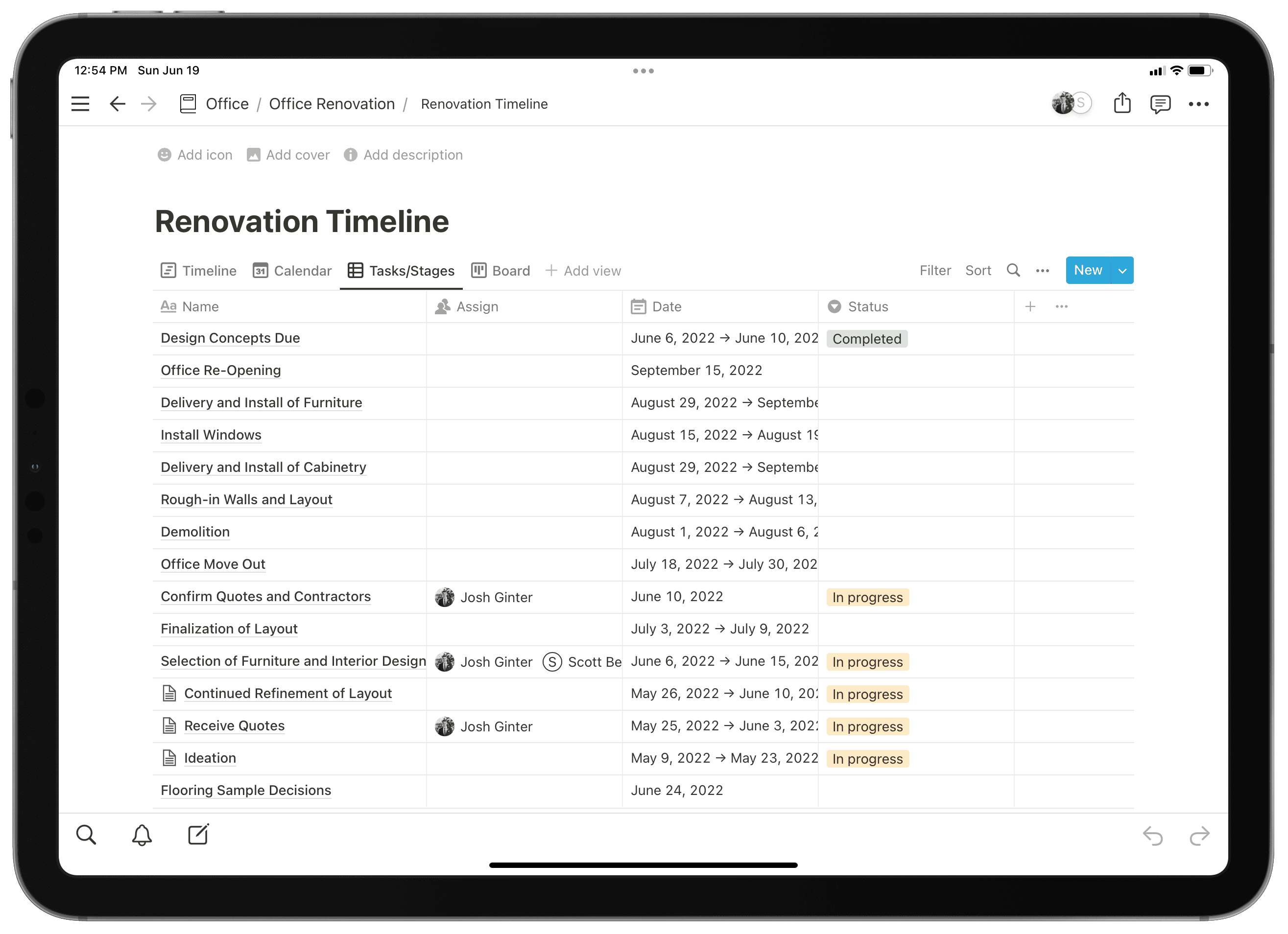
- Teams and shared work. Wikis, project docs, meeting notes, client hubs. For collaborative work, Notion is in a different league.
- A generous free plan for solo use. Unlimited blocks for one person, which is a lot of room.
- Thousands of templates. You don't have to build from scratch
Where Notion hurts for ADHD
- Capture is slow. Every thought needs a home before you can save it.
- Nothing pings you unless you build it to. Notion waits for you to come back. If you forget it exists, it lets you.
- The best AI is on the expensive plan. If AI planning is what you want, you're looking at $20 a month per seat, compared with $8 or $16 for Saner.ai.
- The tinker trap. Endless tweaking feels productive and usually isn't.
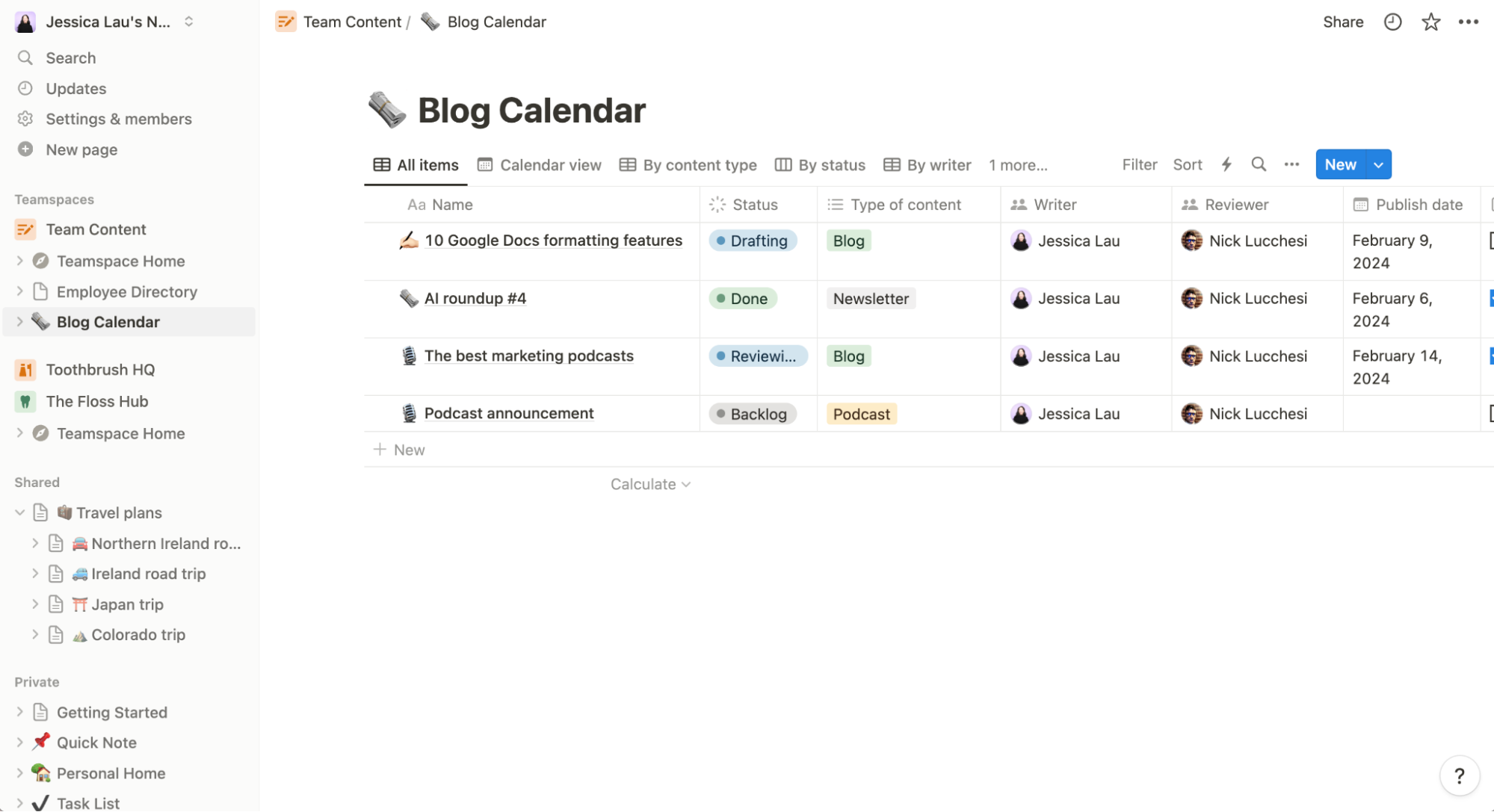
- System decay. A Notion setup is only as good as your last update. Miss two weeks and it's a museum.
Saner.ai vs Notion: which handles common ADHD problems better?
"I forget what I said I'd do."
Winner: Saner.ai. Commitments made in email and meetings get pulled in and resurfaced. In Notion, the commitment has to make it from your head into a database first, and that's exactly the step ADHD drops.
"I can't decide what to work on."
Winner: Saner.ai, narrowly. It builds a daily plan for you, so you start by editing a list instead of facing a blank one. Notion can do something similar with Notion Agent on Business, or with views you design, but you have to set it up and pay for it.
If decision fatigue is your main issue, also look at our ADHD-friendly weekly planning method.
"I need to see everything visually."
Winner: Notion. Boards, timelines and galleries give you a spatial overview Saner.ai doesn't try to match.
"I work with a team."
Winner: Notion. Not close. Saner.ai is a personal assistant.
"I keep rebuilding my system."
Winner: Saner.ai. There's not much to rebuild, which removes the temptation. If you notice the rebuild urge, it often means the system is the fun part and the work isn't.
A dopamine menu is a healthier place to put that craving for novelty.
"I'm on a tight budget."
Tie, depending on use. Notion's free plan is roomier for plain notes and docs. Saner.ai's paid plans are cheaper if you want AI that actually plans and resurfaces. Notion's real AI starts at $20; Saner.ai's starts at $8.
"I'm worried about lock-in."
Draw. Notion has maturity and export options, and Saner.ai does let you export all notes. Either way, export something on day one so you know how it works.
Who should pick which? Three quick profiles
The Builder. You enjoy designing systems, your setup has survived at least a season, and you check it daily without forcing yourself. Stay in Notion. Seriously. Don't switch tools because a blog post told you to, including this one.
The Serial Restarter. You've built Notion from scratch three or more times. Each time, it was beautiful for a week. Try Saner.ai, or any capture-first tool. Your problem was maintenance, and the fix is a tool that needs less of it.
The Hybrid. You need Notion for work (your team lives there) but your personal life is chaos. Keep Notion for shared docs and use a capture-first assistant for your own brain.
Our roundup of the best AI tools for ADHD has other options if Saner.ai isn't your style.
My take
For most adults with ADHD who come to me frustrated with Notion, the problem was never Notion's features. It was the upkeep. They needed fewer decisions per capture, and something that reminds them instead of waiting to be checked. That's the gap Saner.ai is built for

But I'd be lying if I said Notion is the wrong pick for everyone. If you're a Builder whose system survives, if you need team docs, or if you think visually and need a canvas, Notion is the better tool and Saner.ai would feel cramped.
The worst choice is the one many of us make by default: keep rebuilding the Notion dashboard every few months and call that a system.
For more options in the same category, see our best note-taking apps for ADHD and our Saner.ai vs Motion comparison if auto-scheduling is on your wish list.
FAQ
Is Notion good for ADHD?
It can be, especially for people who enjoy building systems and stick with them. Many people with ADHD struggle with Notion because every capture takes several decisions and the system needs regular upkeep, both of which lean on working memory and planning, two areas where ADHD research finds consistent difficulties.
Is Saner.ai better than Notion for ADHD?
For quick capture, reminders and daily planning across email and calendar, Saner.ai is usually the better fit. For visual layouts, custom systems and team collaboration, Notion is better.
Is Saner.ai free?
Yes, there's a free plan. Paid plans are $8/month (Starter) and $16/month (Standard), with about 20% off yearly.
Can an app treat ADHD?
No. Apps can support the parts of daily life ADHD makes harder, like remembering and planning, but they aren't treatment. If you're struggling, talk to a qualified clinician about assessment and treatment options.