The Best Focus Apps for ADHD in 2026 (Tested and Honestly Reviewed)

I've spent an kind a lot of money on focus apps. Lifetime-license, bought-it-at-11pm-in-a-fit-of-optimism money.

Some of it was wasted. A few of them changed how my workday goes.
Here's what I learned:
What a focus app does for an ADHD brain
Let's be precise about the mechanism, because "helps you focus" is marketing, not a description.
Focus apps do one of four jobs:
- They remove the option. Blockers make the distracting thing unavailable, so you don't have to win an argument with yourself at 2pm.
- They add a speed bump. Friction apps let you through, but slowly, with a breath and a question. Enough delay is good.
- They give the time a shape. Timers and session apps turn "work on the report" into "24 minutes, this one thing, clock running."
- They fill the silence. Audio apps supply steady background stimulation so your attention has something to hold onto.
The National Institute of Mental Health describes ADHD as involving inattention, which it defines as "having difficulty paying attention, keeping on task, or staying organized," alongside hyperactivity and impulsivity. Focus apps aim at one slice of that. They're a splint — useful, temporary, not a cure — and the ones that pretend otherwise deserve suspicion.
Why "just use willpower" is bad advice

Gloria Mark's team at UC Irvine shadowed information workers and found they spent an average of 11 minutes and 4 seconds on a working sphere before switching to something else. When they got pulled off a task and came back the same day, the average return time was 25 minutes and 26 seconds (Mark, González & Harris, CHI 2005).
A follow-up experiment found something stranger. People who were interrupted actually finished their work faster. They compensated by speeding up. The catch was in the self-reports. The interrupted group recorded "a higher workload, more stress, higher frustration, more time pressure, and effort" (Mark, Gudith & Klocke, CHI 2008).
Faster, and it costs more. That's a bad trade on a normal day. On a day when your executive function is already running low, it's the difference between finishing work and lying on the floor at 4pm.
A good focus app is a way to buy back those 25-minute returns without relying on the part of your brain that's currently unavailable.
The comparison table
| App | Best for | Blocks phone | Blocks desktop | Free tier | Price |
|---|---|---|---|---|---|
| Cold Turkey Blocker | Blocks you genuinely can't undo | No | Yes (Win/Mac) | Yes, website blocking | One-time purchase for Pro |
| Freedom | One session across every device | Yes | Yes | Yes, limited sessions | $8.99/mo, $3.33/mo annual, $99.50 forever |
| Opal | iPhone doomscrolling specifically | Yes | Mac | Yes, 1 rule | $99.99/yr or $399 lifetime |
| one sec | Breaking the reflex, not the habit | Yes | Browser ext. | Yes | Subscription for premium |
| Forest | People who need the timer to be cute | Yes | Browser ext. | Yes, generous | Plus subscription |
| Brain.fm | Silence-intolerant brains | n/a | n/a | Trial | $14.99/mo or $99.99/yr |
| Focus Bear | Routines plus blocking, built by an ADHD founder | Yes | Yes | 7-day trial | Subscription, fair-pricing option |
| Llama Life | Task-by-task timeboxing | n/a | Web | Trial | Subscription |
The Focus apps reviews
Cold Turkey Blocker: the one with no escape hatch
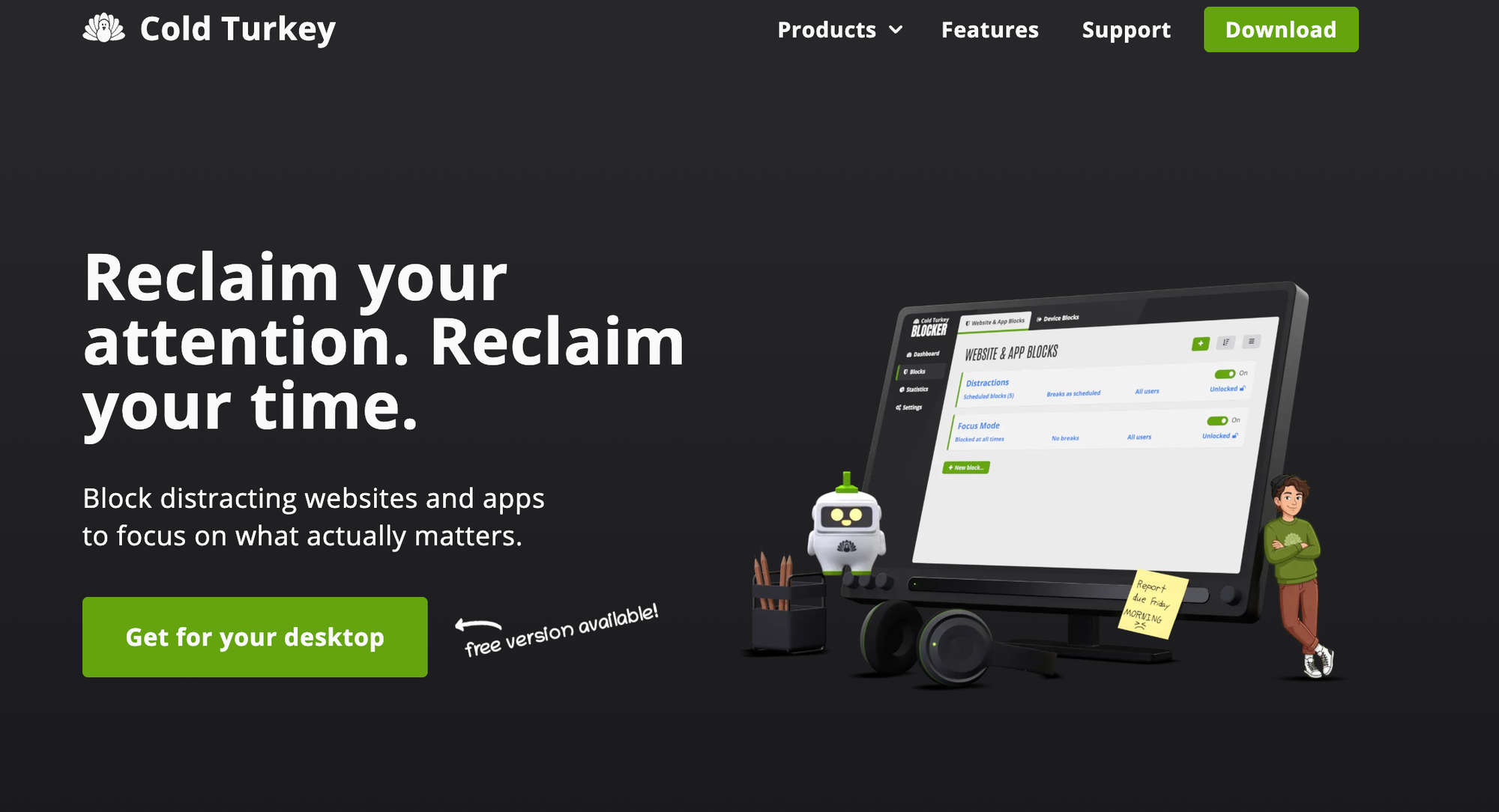
Where it's strong. Cold Turkey's Frozen Turkey mode locks you out of your entire computer until a set time. Its blocks can be password-protected with a password you generate and then never see. You can make the block irreversible, which is the key point.
The free version covers website blocking, exceptions, timed blocks, and stats. Pro adds application blocking, scheduled blocks, and password protection, and it's a one-time purchase rather than a subscription. There's a 7-day trial of Pro features and a student discount.
Where it falls short. Windows and macOS only. No Linux, no ChromeOS, and critically, no mobile. Cold Turkey will lock your laptop down beautifully while you scroll Instagram six inches to the left. Pair it with a phone blocker or don't bother.
Good fit if: your distractions live on a computer and you've already broken three softer blockers.
Freedom: the one that covers everything at once
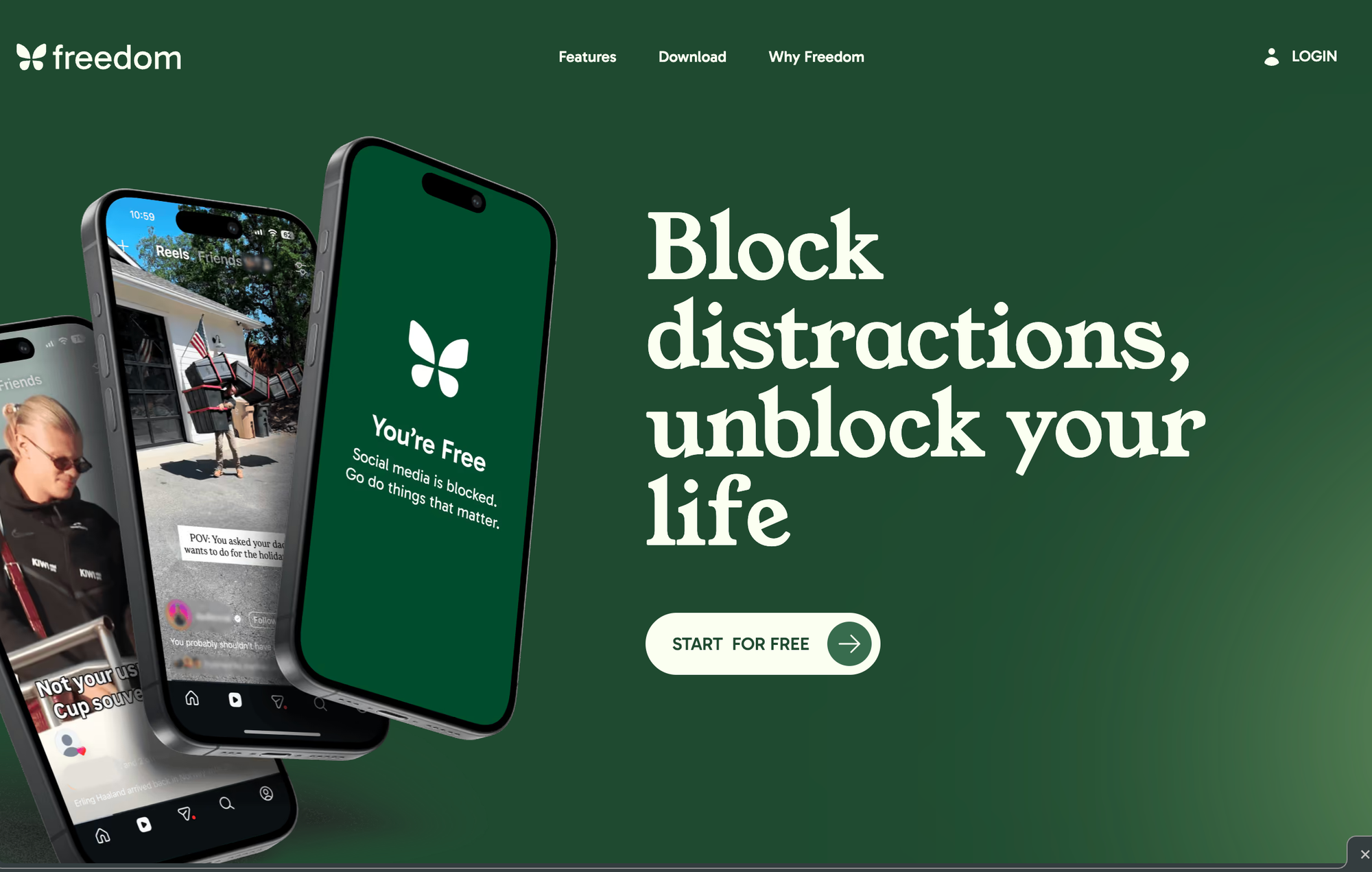
Where it's strong. One session, all devices. Start a block on your laptop and it lands on your phone too, which closes the loophole Cold Turkey doesn't cover. Recurring scheduled sessions are the real feature here: you set "9-11am, every weekday, no social, no news" once and then stop making the decision daily. Decision-making is expensive for us. Automate it.
Locked Mode makes sessions un-endable. There's a usable free tier with unlimited devices and custom blocklists, plus a 7-day Premium trial.
Where it falls short. Scheduling and Locked Mode are behind Premium, and the free tier caps session length. On iOS and Android you don't get website-level exceptions, only broader blocking. Also, Freedom occasionally needs a nudge to restart after OS updates, which is exactly when you'll notice it wasn't running.
Good fit if: you work across a laptop and a phone and want to set it up once.
Opal: the iPhone-specific one
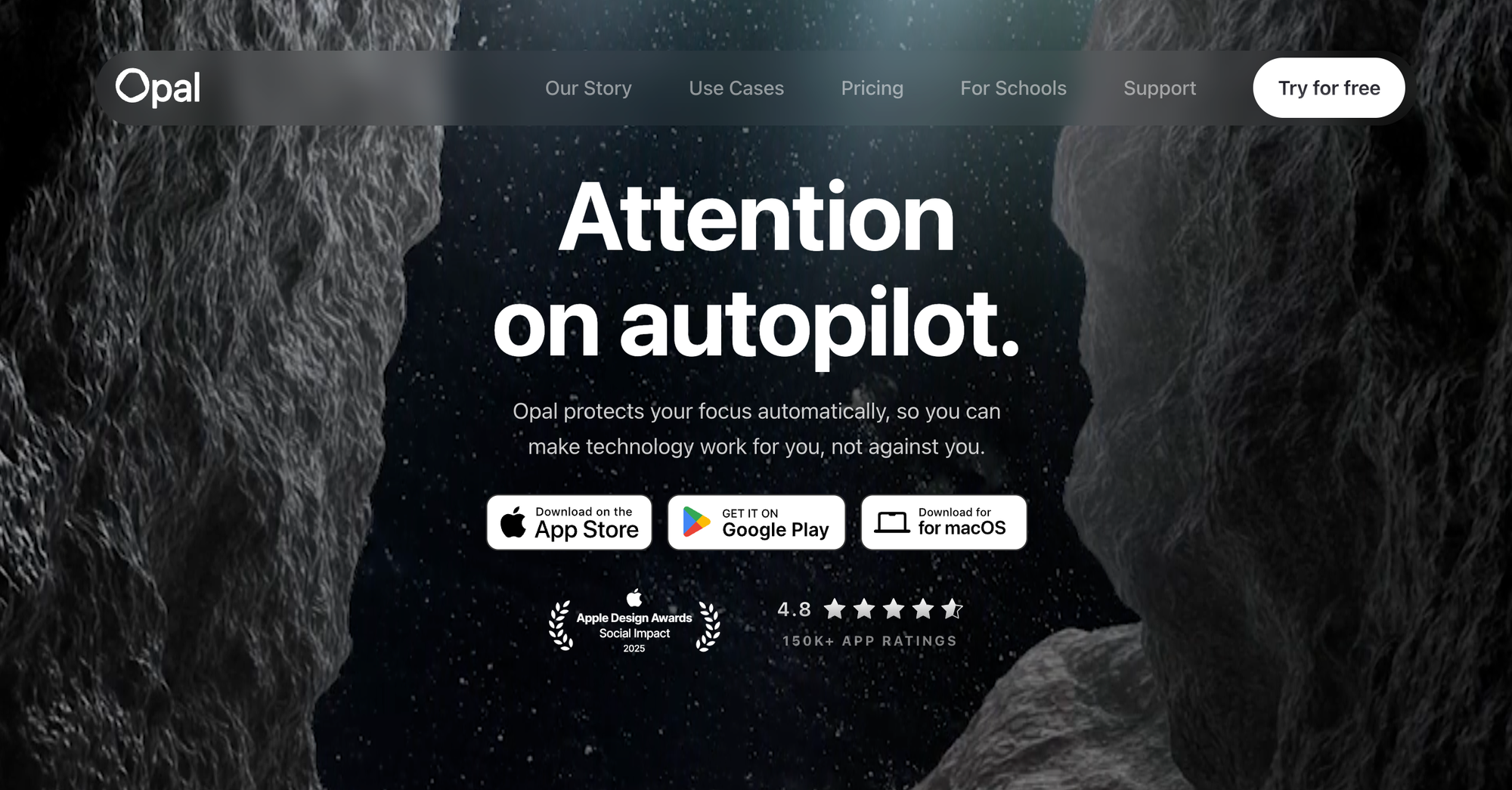
Where it's strong. Screen-time rules, app limits, timers, soundscapes, and a daily Opal Score. The free tier gives you one rule, which is honestly enough to test whether this approach works for you. Hard Mode (you can't disable it mid-session) is the feature that matters, and it's paid.
Where it falls short. The pricing is aggressive: $99.99/year, or $399 lifetime. Mac support exists but Windows doesn't. And Opal's gamification (streaks, scores) is a double-edged sword with ADHD. Great for two weeks. Then you break the streak, feel bad, and delete the app.

Good fit if: your phone is the problem and you'll actually pay for Hard Mode.
one sec: the speed bump
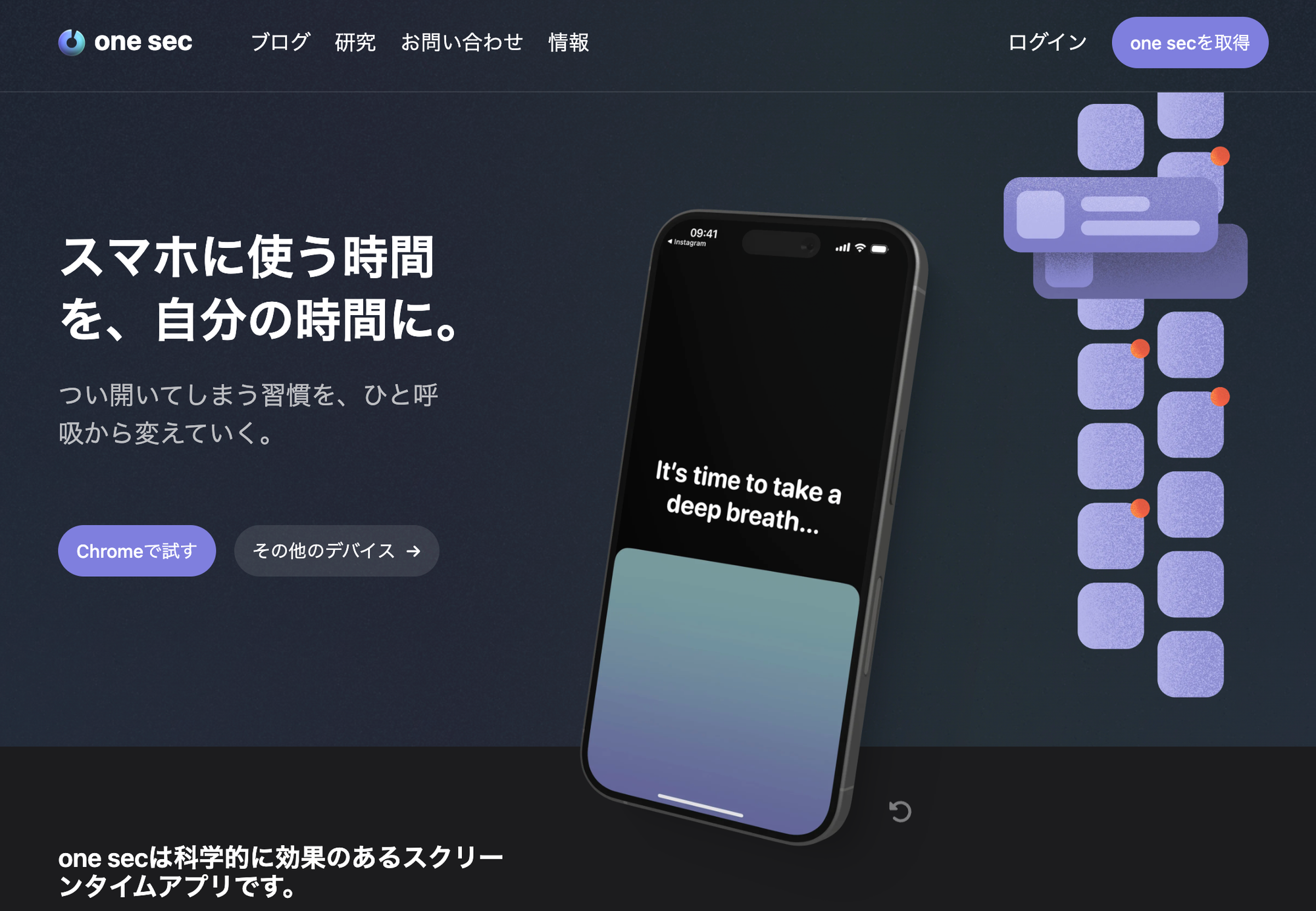
Where it's strong. one sec doesn't block. It intercepts. You tap Instagram, and instead of Instagram you get a breathing animation and a small question about what you were doing. Then it lets you in. Roughly a third of the time, by my count, I realize I didn't want to be there.
This is the app with the most credible research behind it. The underlying self-nudge intervention was tested and published in PNAS (Grüning, Riedel & Lorenz-Spreen, 2023), which is a higher bar than most apps in this category clear. There's a real free tier, and a browser extension for desktop.
Where it falls short. It's friction, not a wall. On a bad day you'll breathe through the animation with the serenity of a monk and open the app anyway. It also needs iOS Shortcuts permissions that feel invasive the first time you grant them.
Good fit if: hard blocks make you rebellious and you respond better to a pause than a locked door.
Forest: the one where a tree dies
Where it's strong. You plant a virtual tree, it grows for the length of your session, and leaving kills it. Stupid? Yes. Effective? Also yes, for a subset of people, and it's cheap to find out which you are because the free tier includes the timer, app blocking, and group sessions. Forest has also planted over two million real trees through Trees for the Future since 2014, which is a nicer externality than most productivity apps manage.
Group focus sessions are underrated. They're a lightweight version of body doubling for ADHD that doesn't require scheduling a human.
Where it falls short. The guilt mechanic gets old, and when it stops working it stops working completely. Not a serious blocker for a work laptop.
Good fit if: you're early in your focus-app journey and want something free, pleasant, and low-stakes.
How to pick your focus app.
- "I lose hours on my laptop." → Cold Turkey Blocker.
- "I lose hours on my phone." → one sec first (free, low commitment), Opal if you need Hard Mode.
- "Both, constantly." → Freedom.
- "I can't start, silence is unbearable, and I forget to stop." → Brain.fm plus Llama Life.
- "My whole morning falls apart before work begins." → Focus Bear.
- "I don't know what to work on, so I do nothing." → Not a focus app problem. Skip to the next section.
The trap you need to know about focus app.
I'd block everything. Laptop locked, phone in a drawer, brown noise playing, three timers going. Total digital lockdown. And then I'd sit in front of my beautifully silent screen and have no idea what I was supposed to be doing, because the actual task was buried in a Slack thread from Tuesday, an email I'd starred and forgotten, and a note I wrote on my phone that says "follow up re: the thing."
So I'd spend the focus block reorganizing my task manager. Which feels like work. It is not work.
Focus apps protect time. They don't produce a decision about what goes in that time. If your capture system is scattered across four places, a blocker just gives you a quieter room in which to be confused.
This is where an AI assistant like Saner.AI does something a blocker can't. It pulls notes, email, tasks, and calendar into one place and surfaces what actually needs doing today, so when the block starts you already know the answer. We go deeper on that category in our roundup of the best AI task managers for ADHD and the broader AI tools for ADHD guide.
Rough order of operations: fix capture, then fix focus. Blocking distractions before you've fixed capture is buying a good lock for a house with no walls.
A 30-minute setup for your focus apps

Do this once. It survives contact with a bad week.
- Pick one blocker, not three. Running Cold Turkey and Freedom and Opal at once means three things to disable when you want to cheat, and you will find the one that's easiest to kill. One tool, configured properly, is harder to sabotage.
- Block by default, allow by exception. Blocklists that name specific sites lose. There's always another site. Allowlist mode is harsher and works better.
- Schedule it, don't start it manually. Recurring sessions mean the decision happens once, in a calm moment, rather than forty times in bad ones. If you change one setting in any of these apps, change this one.
- Write the task before the block starts. One sentence, visible, on paper or in the first line of your doc. "Draft the intro to the Q4 memo." Not "work on memo."
- Use if-then wording. "If it's 9am and I'm at my desk, then I open the memo doc and write one paragraph" beats "be productive tomorrow."
- Set an end time. No block should be open-ended. Knowing there's a stopping point is what makes starting tolerable, and open-ended grinding is a fast route to ADHD burnout.
- Leave one escape room. Music, a specific playlist, a walk. Total deprivation triggers the exact rebellion you're trying to prevent.
Mistakes I made so you don't have to
- Buying the lifetime plan on day one. I own three lifetime licenses. I use one. Trial everything for two weeks first.
- Blocking too much, too fast. Nuking every site including the docs I needed lasted four days before I uninstalled the whole thing in a rage.
- Treating the streak as the goal. Gamified apps turn into a second job with ADHD. When you break the streak, delete nothing and just start again. The streak was never the point.
- Expecting the app to fix time blindness. It won't. A timer shows elapsed time; it doesn't build an internal clock. That's a separate skill, and our guide on ADHD time blindness covers what does help.
- Ignoring the environment. No app fixes a desk in a hallway. If you're in an open office with ADHD, headphones and a blocker only get you partway; the rest is accommodations.
FAQ
Do focus apps work for ADHD?
They work for the specific job of removing or delaying access to distractions, and the evidence for adding friction to app use is reasonably good. The one sec self-nudge intervention was published in PNAS. They don't improve attention itself, and they don't replace treatment. Think of them as environmental design.
What's the best free focus app for ADHD?
Forest for timers and light blocking, one sec for phone friction, and Cold Turkey's free tier for desktop website blocking. All three are genuinely usable without paying. We've covered more in our best free ADHD apps roundup.
Should I use a blocker or a timer?
Both, for different problems. A blocker stops the drift. A timer starts the task. If you only pick one, pick based on whether you struggle more with starting or with staying.
Does focus music really help ADHD?
The best current evidence is the 2024 Communications Biology study on rapid amplitude modulation, which found larger benefits for people reporting more attention difficulties, measured by a self-report scale rather than clinical diagnosis. Try free options before subscribing.
What if I just disable the blocker?
Then you need a harder one. Cold Turkey's irreversible locks and Freedom's Locked Mode exist because this happens to almost everyone. Plan for it. Pick the version you can't undo.
Will a focus app help if I'm not diagnosed?
Sure. None of these require a diagnosis. But if distraction is wrecking your work and your relationships, that's worth discussing with a clinician rather than solving with a subscription. Focus apps are not a diagnostic tool and nothing here is medical advice.
Your next three steps
- Today: Install one free option matched to your actual problem. Phone → one sec. Laptop → Cold Turkey free. Starting → Llama Life trial.
- This week: Set one recurring scheduled block. Same days, same hours. Write the task down before it starts, in if-then form.
- In two weeks: Check whether you used it. If yes, consider paying for the locked version. If no, the app was never the constraint. Go fix capture instead, and read our guide on increasing productivity with ADHD.
The best focus app is the one you can't talk your way out of at 2:47pm on a Thursday. Everything else is a preference.