How to Remember What You Read With ADHD (A System That Sticks)

You read the whole chapter. Every word. Then someone asks what it was about and you've got nothing. Just a vague feeling and maybe a character's name.

If that's you, the problem usually isn't reading. It's what happens before, during and after.
This guide gives you a setup for all three, built for ADHD brains, with tools you can start using tonight.
The short answer
To remember what you read with ADHD, read in short blocks, write one sentence after each section, and then quiz yourself from memory instead of rereading.
Recalling information is what makes it stick. Save the best bits to one searchable place, and look at them again a few days later.
The cheat sheet:
- Read in 10–20 minute blocks with a clear question in mind.
- After each section, close the book and write one sentence from memory.
- Skip heavy highlighting. Write short notes in your own words instead.
- Quiz yourself after 1 day, 3 days and a week.
- Keep every note in one place you can search later.
Why reading doesn't stick with ADHD

Two things tend to go wrong.
Your mind wanders while your eyes keep going. In a 2017 study in PLOS ONE, students with more ADHD-inattention symptoms reported more mind wandering during a reading task, and that mind wandering hurt their text comprehension.
Working memory is stretched thin. Reading means holding the last paragraph in mind while you process the next one. A 2018 review of meta-analyses found working memory showed one of the largest average deficits in ADHD. When that mental scratchpad overflows, earlier ideas fall off the edge.
The strategy that matters most: retrieval practice
Take this one thing, if nothing else.
Quizzing yourself beats rereading. In a classic 2006 study in Psychological Science, Roediger and Karpicke found that students who practiced recalling a passage remembered much more of it two days and one week later than students who reread it. The rereaders also felt more confident while remembering less. Rereading feels productive. Mostly it isn't.

It works with ADHD too. A 2023 study in Frontiers in Psychology tested college students with ADHD and matched controls. Everyone remembered more from repeated testing than from restudying, and ADHD status didn't change that benefit.
Highlighting and rereading are the weak ones. A big 2013 review by Dunlosky and colleagues rated practice testing and spreading study out over time as the highest-utility techniques. Highlighting and rereading were rated low. As Dunlosky put it in the APS summary, they "seem to provide minimal benefits."
Before you read: 2 minutes of setup
Starting cold is how you end up reading the same paragraph four times.
- Ask one question. "What do I want from this?" Write it at the top of a note. "How does compound interest work?" beats "read chapter 4."
- Skim the structure. Headings, bold words, the conclusion, any summary box. Thirty seconds. Now your brain has a map.
- Pick a block length. 10–20 minutes. Set a timer. A Pomodoro-style timer works fine.
- Kill the obvious distractions. Phone in another room, or at least face down. If you need help, try one of the best focus apps for ADHD.
- Add a fidget or sound if that's your thing. Some people read better pacing or with brown noise. Use whatever keeps you in the chair.
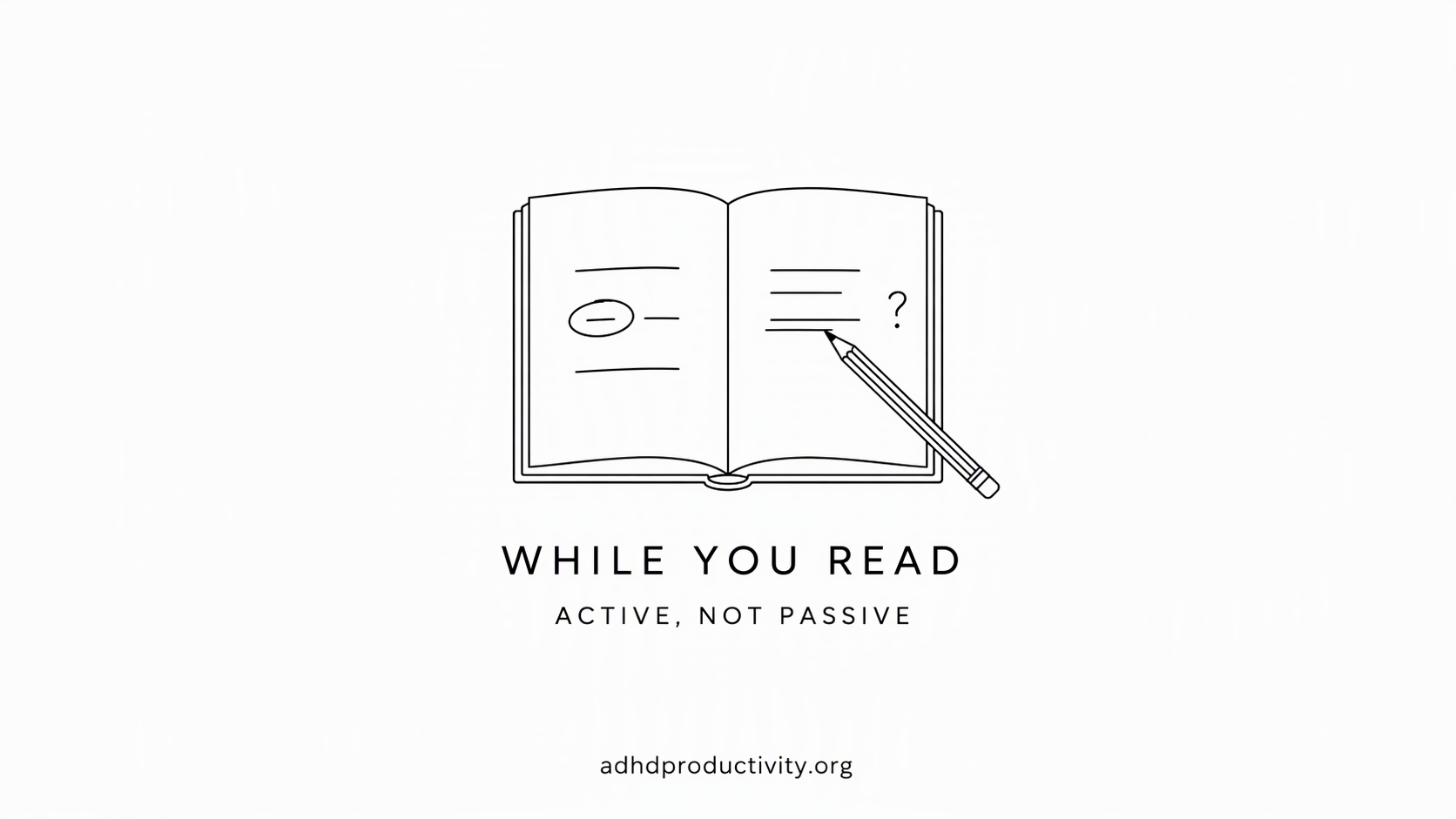
While you read: active, not passive
The goal is to keep your brain doing something, so it doesn't drift off and leave your eyes on autopilot.
Read with a pointer
Run a finger, pen or cursor under the line. It sounds childish. It gives your attention a lane to stay in.
Try listening while you read
Some people focus better hearing the text while their eyes follow along. Try it once and see. Many e-readers and read-it-later apps include text-to-speech. Readwise Reader, for example, lists text-to-speech in its plans.
Stop at every heading
At the end of each section, pause. Look away. Ask: "What did that just say?" If you can't answer, you were drifting. Go back to the last part you remember, not to the start.

Notes in your own words, with a hard limit
- One sentence per section. Max. Forcing yourself to compress is where the learning happens.
- No copying full sentences. Paraphrase, or save the quote separately and add one line on why it matters.
- Mark questions with a "?" and confusion with a "!!" so you can come back.
Catch the wander
You'll drift. Everyone does. Put a small tally mark on scrap paper each time you notice. It's oddly satisfying, and noticing sooner means rereading less.
After you read: make it stick
This is the part almost everyone skips, and it's the part that matters most.
The 3-minute close
Right after a reading block:
- Close the book or tab.
- Write the answer to your starting question from memory.
- Write the three most useful ideas, also from memory.
- Then peek back to check what you missed.
That's retrieval practice. It feels harder than rereading, and that effort is what makes it stick.
Spread out the reviews
Quiz yourself again after about a day, three days and a week. The Dunlosky review rated spreading practice out over time as high-utility. You don't need a fancy schedule. Rough is fine.
Two easy ways to do it:
- Flashcards. Turn your best ideas into question-and-answer cards. Anki is free on desktop, Android and the web (the iPhone app is paid).
- A daily resurfacing email or app. Readwise has a Daily Review that brings back your highlights. It's part of the Highlights plans, not the Reader-only plan, per the pricing page. Full Readwise is $9.99/month billed yearly, with a 30-day free trial.
Explain it to someone
Tell a friend, a partner, your dog, or a voice memo. If you can explain it in a minute, you know it. If you stumble, you've found the gap. (Talking out loud also works well if writing is the bottleneck. See our list of voice-to-text tools for ADHD.)
Where to keep everything: one searchable home
ADHD reading notes have a habit of scattering. Some in Kindle, some in a notebook, some in screenshots, some in a doc called "notes final 2." Then they're out of sight, which means gone.
Pick one home. I personally use Saner.AI because it allows me to
- Save while you read. With the Chrome extension, highlight text, right-click and choose "Save to Saner.ai." Ctrl+M adds the highlighted text to the note you have open, so one article's clips end up together.
- Find it by meaning. Semantic search finds notes by what they mean. Useful when you remember "that thing about sleep and memory" but not the title.
- Auto-tagging and folders so you don't have to file things by hand.
It isn't a flashcard app and doesn't run spaced repetition. Pair it with Anki if you want scheduled quizzing.
Alternatives
- Readwise. Great if you read a lot of Kindle books and articles. It pulls highlights from 40+ sources and resurfaces them daily. Paid only after the trial.
- A paper notebook. Underrated. One notebook for reading notes, dated pages. The catch: you can't search it.
- Whatever note app you already use. The best home is the one you'll actually open. Our best note-taking apps for ADHD roundup compares more options, and our guide to building a second brain with ADHD shows how to organize it.
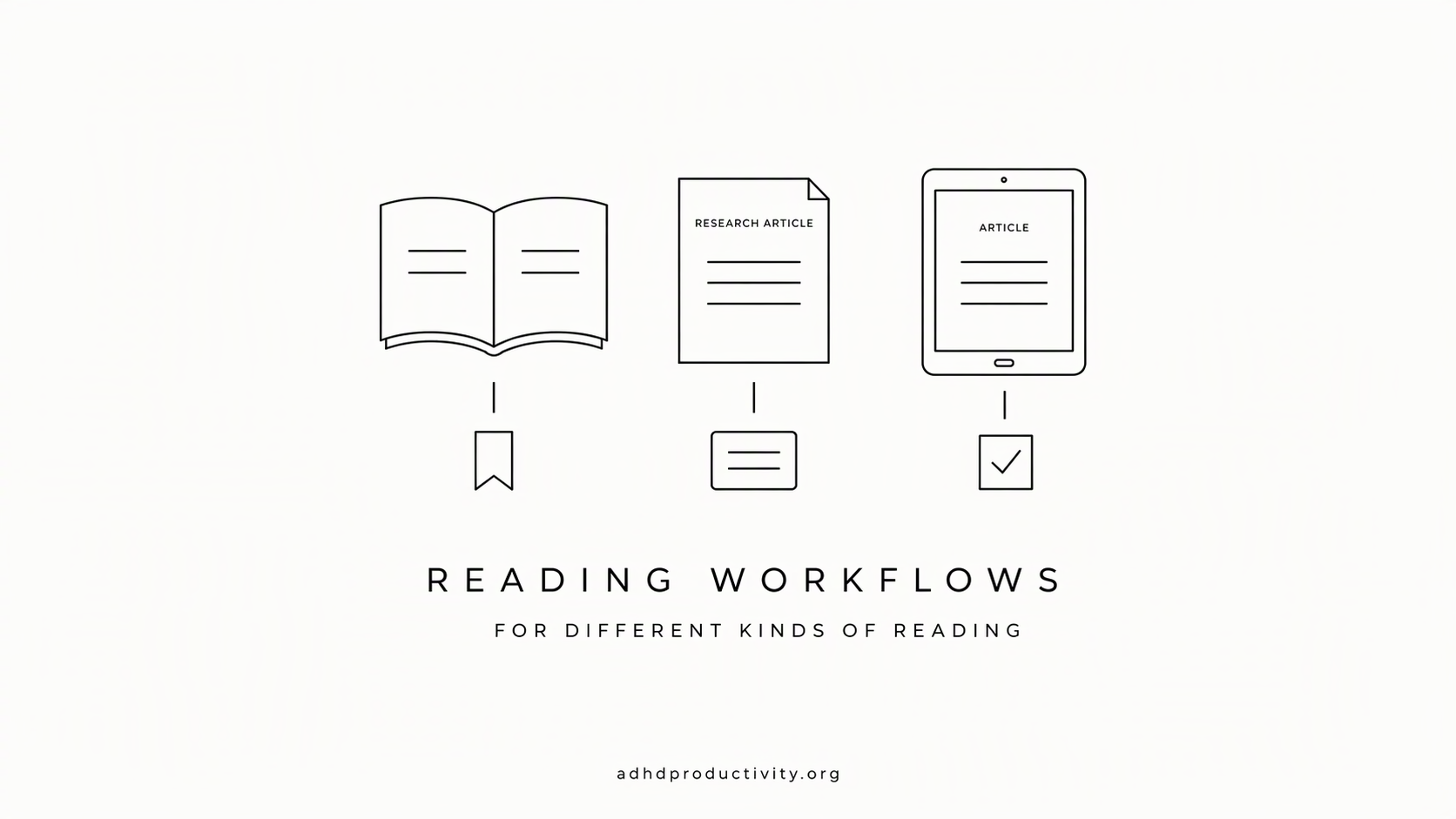
Workflows for different kinds of reading
Textbooks and study material
- Skim the chapter structure and end-of-chapter questions first.
- Read one section per 15-minute block.
- One-sentence summary after each section.
- Turn the end-of-chapter questions into flashcards.
- Review at day 1, 3 and 7.
More study-specific tips are in our how to study with ADHD guide.
Work reports and long docs
- Write down the decision you need to make from this doc.
- Read the summary and conclusion first. (Nobody gives you extra points for reading in order.)
- Pull out only the facts that affect your decision.
- Save them with the doc link in your notes home.
Nonfiction books for fun
- Read in short sessions. Fine to stop mid-chapter.
- After each chapter, write the one idea you'd tell a friend.
- Save your favorite quotes with a line on why you liked them.
- When you finish the book, write a five-line summary from memory before you look at your notes.
Articles and online reading
- Save to read later instead of opening 40 tabs.
- Read in a dedicated block, not between tasks.
- Clip the one or two lines worth keeping, plus your own sentence.
- Delete the rest without guilt.
My take
Stop rereading. Start quizzing. Write one sentence after each section and test yourself a day later. Do just that for a week and see how much more you keep. The apps help, but the habit does the work.
FAQ
Why can't I remember what I read with ADHD?
Two common reasons: your mind wanders while your eyes keep moving, and working memory has trouble holding earlier ideas. A 2017 PLOS ONE study linked ADHD-inattention symptoms to more mind wandering during reading and worse comprehension.
Is highlighting bad for ADHD?
It's not harmful, just weak. A 2013 review rated highlighting and rereading as low-utility study techniques. Writing one sentence in your own words and quizzing yourself work better.
Does retrieval practice work if you have ADHD?
Yes. In a 2023 Frontiers in Psychology study, college students with ADHD remembered more from repeated testing than from restudying, just like students without ADHD.
How long should I read at once with ADHD?
Start with 10–20 minute blocks and a short break between them. Adjust based on when you notice your mind starting to drift.
How often should I review what I read?
Roughly a day later, three days later and a week later. Spacing reviews out over time was one of the two highest-rated techniques in the Dunlosky review.
What's the best app for remembering what you read?
Use one searchable home for notes plus some way to review. Saner.AI works as the searchable home, Readwise resurfaces highlights daily, and Anki handles flashcards.
Sources
- Jonkman et al. (2017), PLOS ONE: Mind wandering during attention performance: effects of ADHD-inattention symptomatology, negative mood, ruminative response style and working memory capacity
- Archives of Clinical Neuropsychology (2018): The Neurocognitive Profile of ADHD: A Review of Meta-Analyses
- Roediger & Karpicke (2006), Psychological Science: Test-enhanced learning: taking memory tests improves long-term retention
- Minear et al. (2023), Frontiers in Psychology: Is practice good enough? Retrieval benefits students with ADHD but does not compensate for poor encoding in unmedicated students
- Dunlosky et al. (2013), Psychological Science in the Public Interest: Improving Students' Learning With Effective Learning Techniques and the APS summary
- Tools: Readwise pricing, Anki, Saner.AI pricing, Saner.AI changelog, Saner.AI Chrome extension guide