ADHD Daily Notes Template: A 5-Minute Page That Runs Your Day

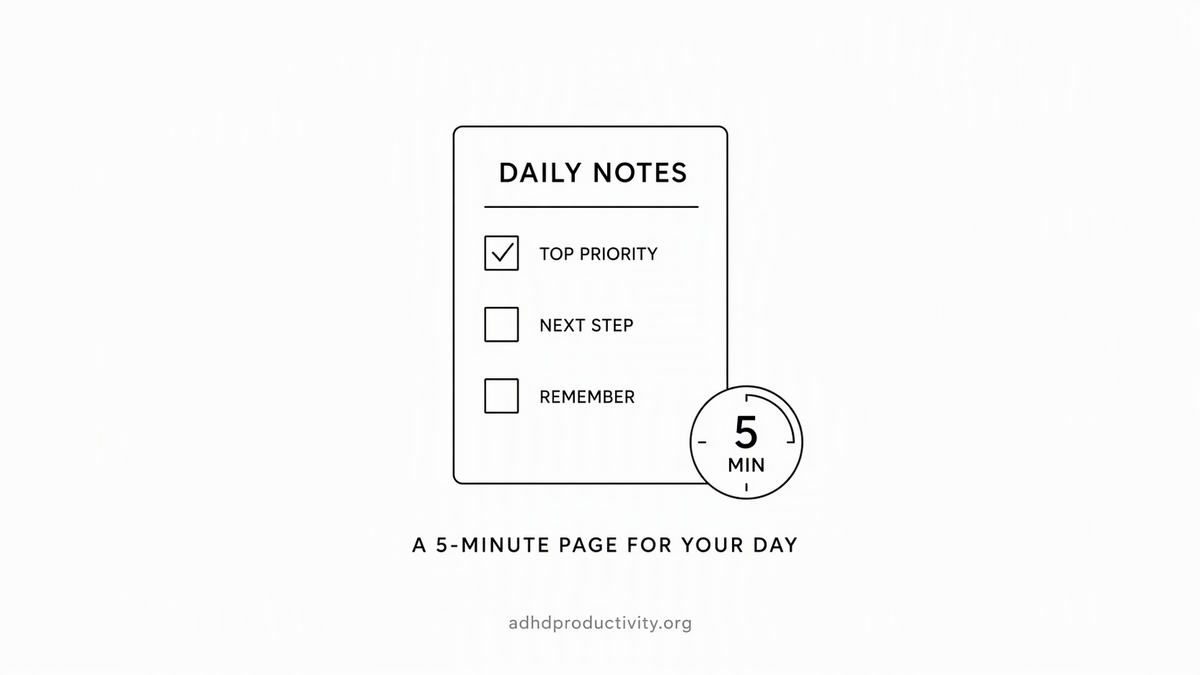
Quick answer: A good ADHD daily notes template is short. Five sections: a brain dump, your top three, a time-boxed plan, a "parking lot" for distractions, and a two-line shutdown. It should take under five minutes to fill in each morning, and it should live wherever you already look.
Why a daily note helps
A daily note is one page per day where everything lands: tasks, thoughts, meeting scraps, the thing you swore you'd remember. For ADHD brains it does two jobs:
- It holds what your working memory drops. A meta-analysis of 38 studies found adults with ADHD score lower on working memory tasks than adults without it. Writing things down means you don't have to keep them in your head.
- It makes "later" visible. People with ADHD often forget to do things they planned to do. In one study, 52% of adults with ADHD missed a phone call they'd agreed to make at a set time, compared with 21% of adults without ADHD. A daily note you actually open is a cheap fix for that.
There's also research showing that making a specific plan for an unfinished goal cuts down on intrusive thoughts about it, even before you do anything. That's the "I can stop thinking about this now" feeling. A daily note gives every loose thought a place to go.
So why do so many daily note templates fail? Because they're built for people who enjoy filling out forms. Gratitude list, mood tracker, water intake, habit grid, three journaling prompts, a quote of the day. By Thursday you've skipped it twice. By next week it's a monument to good intentions. RIP.
The rule for an ADHD daily note: if it takes more than five minutes, it won't survive.
The template (copy this)
# [Date]

## Brain dump
-

## Top 3
1.
2.
3.

## Plan
- Morning:
- Afternoon:
- Fixed times (meetings, pickups, appointments):

## Parking lot
-

## Shutdown
- Done today:
- First thing tomorrow:
That's it.

How to fill in each section
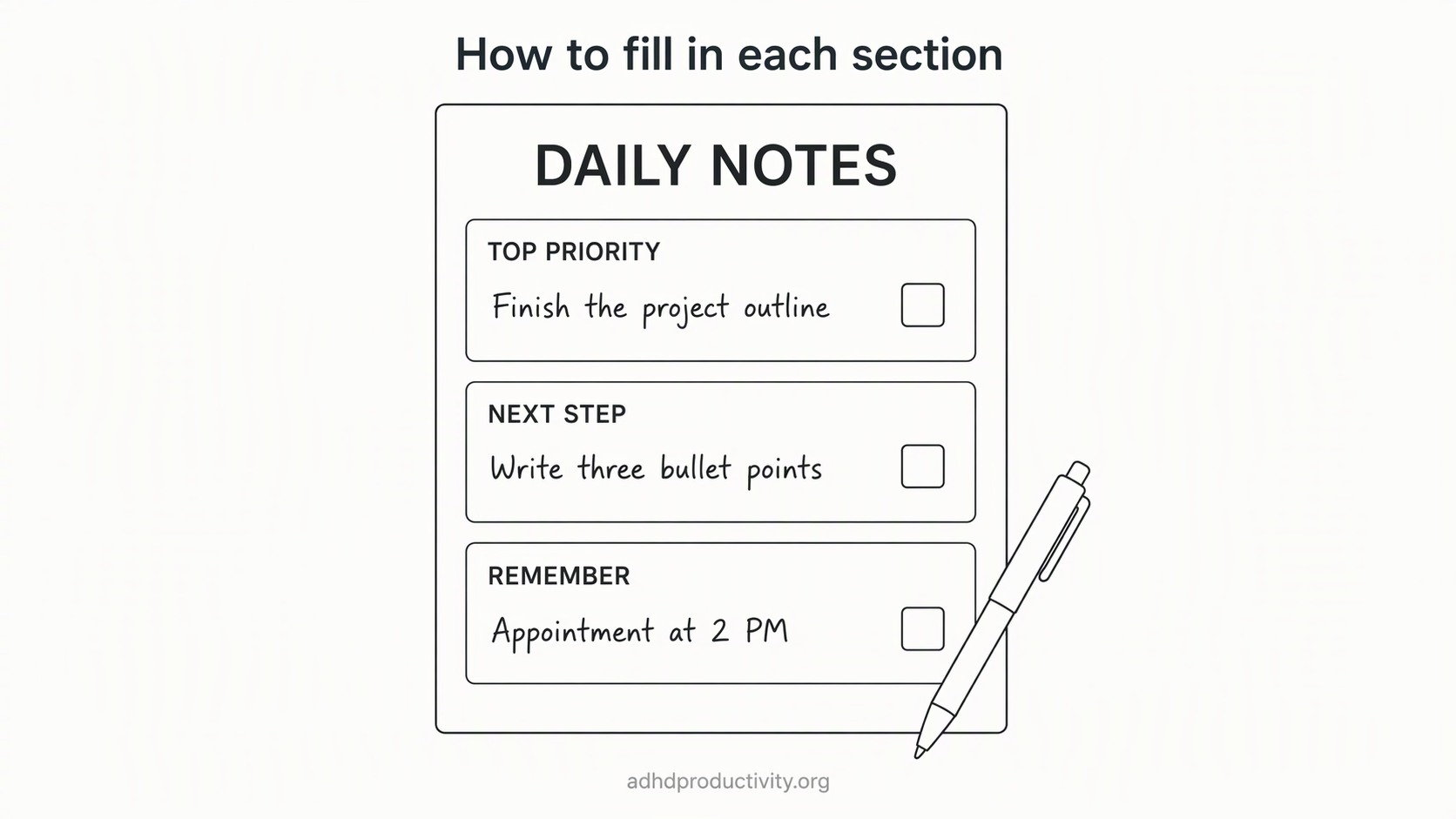
1. Brain dump (2 minutes)
Write down everything in your head. Tasks, worries, "email Sam," "why is the car making that noise." Don't sort. Don't judge. Empty the tank.
This mirrors CHADD's advice for adults: keep a master brain-dump list where you capture every task as it comes up, then move items to an action list. My brain dump guide has prompts if you sit there blank.
Tip: if typing feels like too much in the morning, talk instead. Most notes apps and phones have voice dictation.
2. Top 3 (1 minute)
From the dump, pick three things that would make today count. Not ten. Three. Yes, really.
- At least one should be small enough to finish in 15 minutes. Early wins matter.
- Write each as an action: "Draft intro paragraph," not "Report."
- If all three are scary, swap one for something easy.
CHADD's to-do list guidance also suggests numbering your top three priorities and writing concrete actions instead of vague ideas. If you struggle to pick, my guide on how to prioritize tasks with ADHD walks through a few quick methods.
3. Plan (1 minute)
Rough is fine.
- Put each Top 3 item in a slot.
- Write fixed times first (meetings, school pickup, the dentist). Those aren't moving.
- Pad everything. A 2021 meta-analysis found people with ADHD are less accurate at estimating time. If you think it takes 30 minutes, write 45.
If you like more structure, upgrade this section to real time blocks. If you don't, morning/afternoon is enough.
4. Parking lot (all day)
This is the most useful section. Most templates skip it.
When a distracting thought shows up mid-task ("I should look up flights," "did I pay the electric bill?"), write it here and get back to work. You don't lose the thought, and you don't follow it down a 45-minute rabbit hole.
Why this helps: researchers have found that adults with ADHD report more mind-wandering than adults without ADHD, and that it adds to day-to-day impairment. And switching tasks has a real cost. The American Psychological Association summarizes research showing that switching between tasks costs time and raises errors. The parking lot is a tiny buffer against both.
5. Shutdown (1 minute, end of day)
Two lines. That's all.
- Done today: list what you finished, even small stuff. ADHD brains are great at remembering what went wrong and terrible at remembering what went right.
- First thing tomorrow: one task. Just one. Tomorrow-you opens the note and already knows where to start, which beats staring at a blank page. (If starting is your big problem, see our task initiation guide.)
Anything left in the parking lot or brain dump? Copy it to tomorrow's note or delete it. Both are fine.
A filled-in example
Here's a sample day:
# Tuesday, Nov 17

## Brain dump
- reply to Jordan about the deck
- book dentist
- car noise??
- finish Q4 budget draft
- gift for Mom (bday Sat)
- read that article Priya sent

## Top 3
1. Finish budget draft, sections 1-2
2. Reply to Jordan (15 min)
3. Order Mom's gift

## Plan
- Morning: budget draft (2 hrs, phone in other room)
- Afternoon: Jordan reply, order gift
- Fixed: 3:00 team call, 5:30 pickup

## Parking lot
- look up car noise
- that podcast someone mentioned
- check if rent autopay went through

## Shutdown
- Done today: budget sections 1-2, Jordan reply, gift ordered
- First thing tomorrow: book dentist (2 min call)
Notice what's missing. No mood score. No gratitude list. No water tracker. Add those later if you want. Start lean.
Where to keep your daily note
The best app is the one you already open every day. A few options:
- Paper notebook. Underrated. Zero setup. No notifications pulling you away. The downside is search: finding "that thing from three weeks ago" means flipping pages.
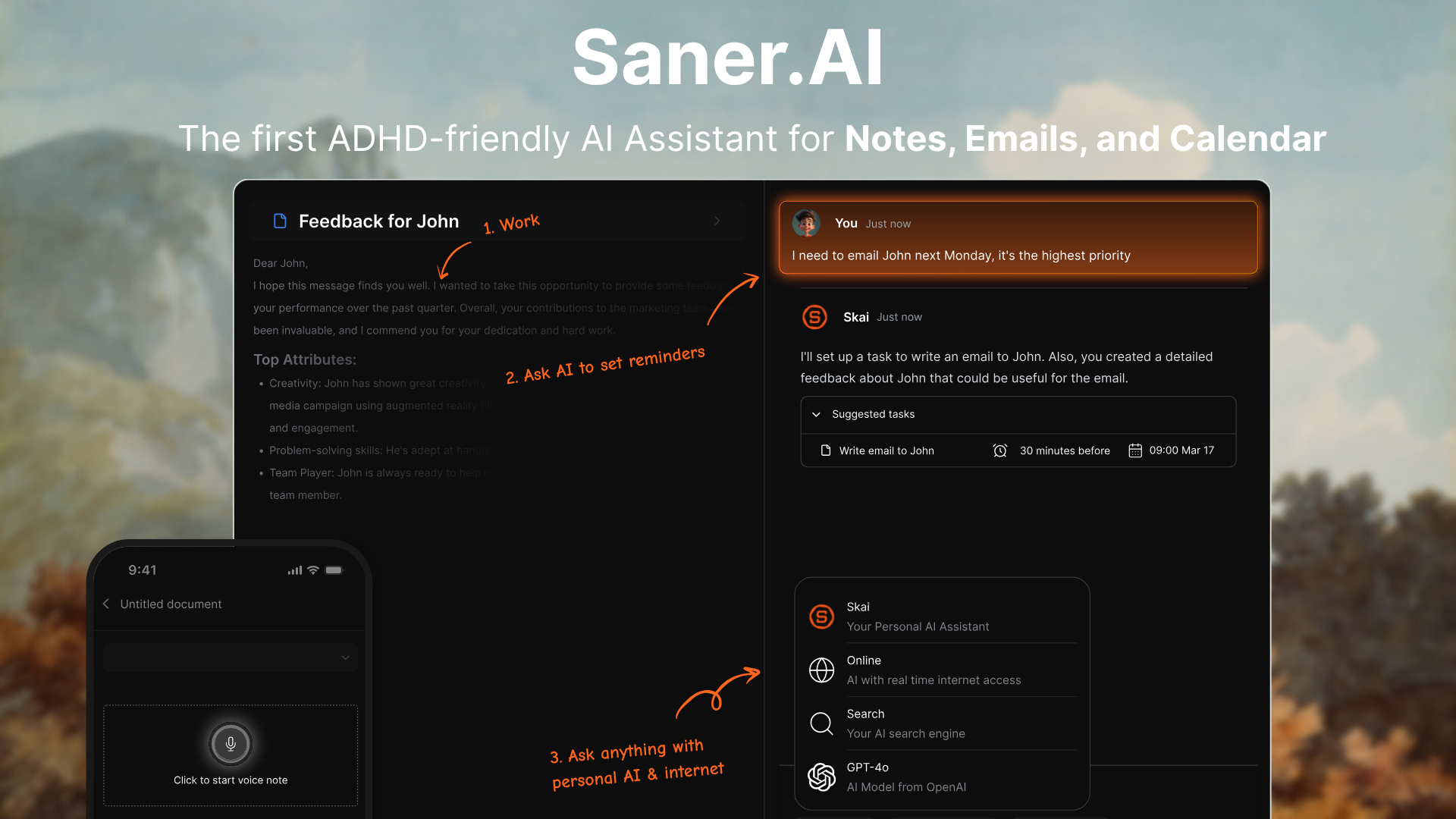
- Saner.AI. Its assistant, Skai, can scan your calendar, overdue tasks, and recent notes each morning and propose a plan for the day. The Focus Box pins your top three tasks, which is basically the Top 3 section done automatically. You can brain dump by voice or text and ask Skai to turn the dump into tasks. And because it syncs with Google Calendar, the fixed times are already there. If filling in a template every morning is the kind of thing you skip, try the free plan.
- Apple Notes or Google Keep. Make one note per day, or one note you clear each morning. Pin today's note to the top so it's the first thing you see. We have a full Apple Notes setup if you're on iPhone.
- Obsidian. It has a built-in Daily notes plugin that creates a note for today and can fill it from a template file. Paste the template above into a note, point the plugin at it, and every day starts pre-filled. Fair warning: Obsidian is also an excellent procrastination machine for people who love tweaking systems. Give setup a 20-minute limit.
Whatever you pick, pick one. A daily note split across three apps is three half-notes.
Make the habit stick
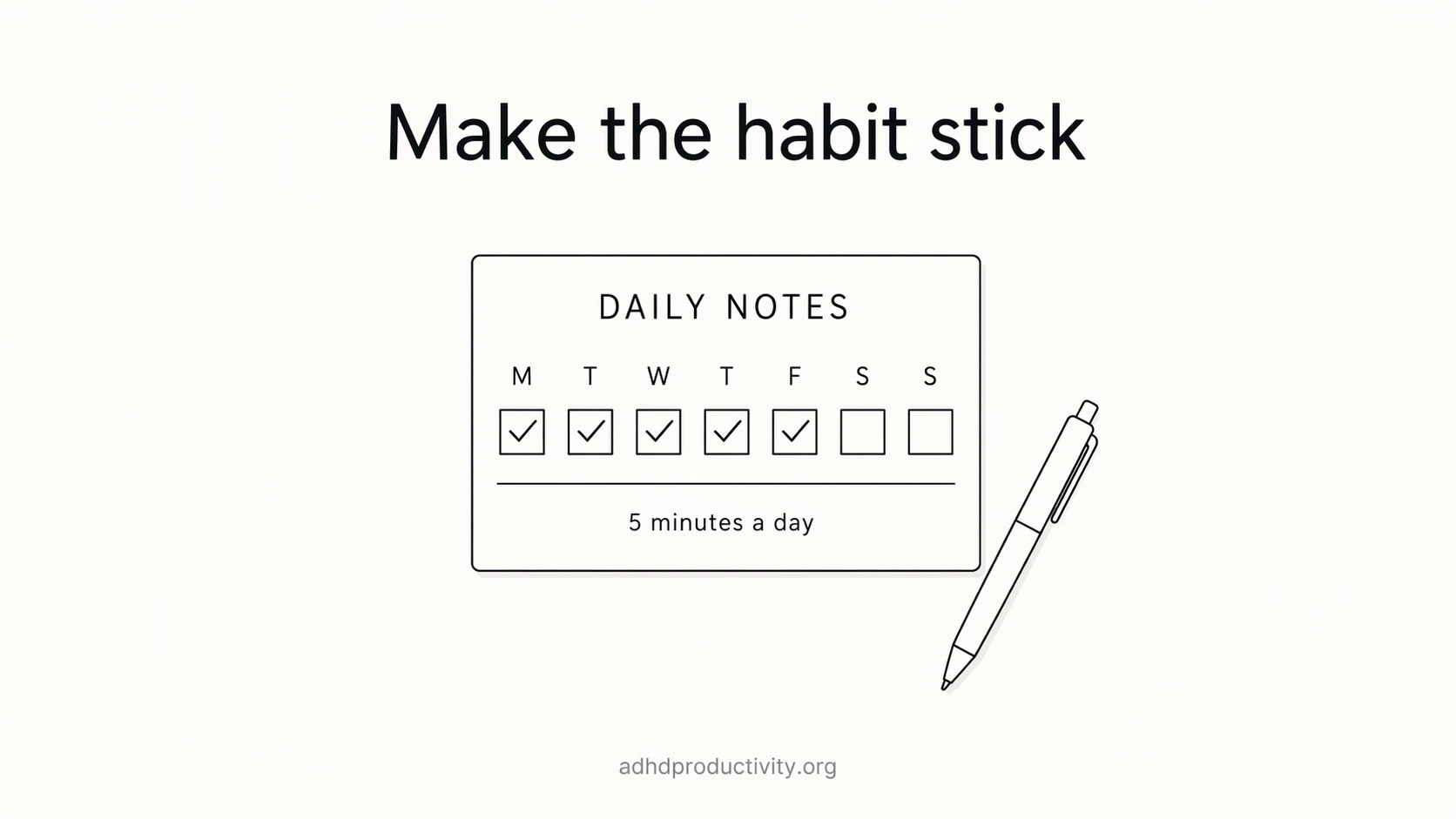
- Attach it to something you already do. Coffee, unlocking your laptop, sitting at your desk. "After I pour coffee, I open today's note." That's an if-then plan, and implementation intentions research suggests this kind of specific plan helps people follow through. (Our habit stacking guide covers the method.)
- Make it impossible to miss. Pin it, bookmark it, put a widget on your home screen, or set it as your browser's start page.
- Lower the bar on bad days. Some days the daily note is just "Top 3: 1. Survive." That counts.
- Missed a day? Don't backfill. Just start today's note. Trying to reconstruct Monday on Wednesday is how the habit dies.
- Review once a week. Skim the last seven notes on Friday or Sunday. What kept showing up in the parking lot? What kept sliding off the Top 3? That's useful info for planning next week.
Variations once the basic version sticks
After two or three weeks of the basic template, you can add one thing. Only one at a time:
- Energy check: a single line, "Energy: low / medium / high." Helps you match tasks to your actual state.
- Meds or sleep line: if you're tracking patterns to discuss with your doctor.
- Win of the day: one sentence. Good for days when "Done today" feels thin.
- Meeting notes: a quick heading per meeting, so all notes from a day live in one place.
If an addition makes you skip the note, cut it. The template works for you. You don't work for the template.
Conclusion
Dump it. Pick three. Sketch the plan. Park the distractions. Shut down in two lines. Five minutes total.

Try it tomorrow morning. Worst case, you've lost five minutes. Best case, you remember the dentist.
FAQ
What should an ADHD daily notes template include? Keep it to five sections: a brain dump, your top three tasks, a rough plan (morning, afternoon, fixed times), a parking lot for distracting thoughts, and a two-line shutdown (done today, first thing tomorrow).
How long should a daily note take with ADHD? About five minutes in total: roughly four in the morning and one at the end of the day. If yours takes longer, cut sections until it doesn't.
What is a parking lot list for ADHD? A running list where you write down distracting thoughts mid-task, like "look up flights," so you can get back to work without losing the idea. You deal with the list later, usually at shutdown.
What app is best for ADHD daily notes? The one you already open every day. Paper, Apple Notes, and Google Keep work with a copy-pasted template. Obsidian's Daily notes plugin can create each day's note from a template file. Saner.AI can draft a daily plan from your calendar, overdue tasks, and recent notes.
What if I miss a day? Don't backfill. Start today's note fresh. Reconstructing missed days is a common way the habit dies.
Is a daily note the same as a to-do list? No. A to-do list holds tasks. A daily note also holds the plan, stray thoughts, and an end-of-day review, all on one page per day. My ADHD to-do list guide covers the list side.